10-2007
Page 2 of 7
TESTING YOUR POWER SUPPLY:
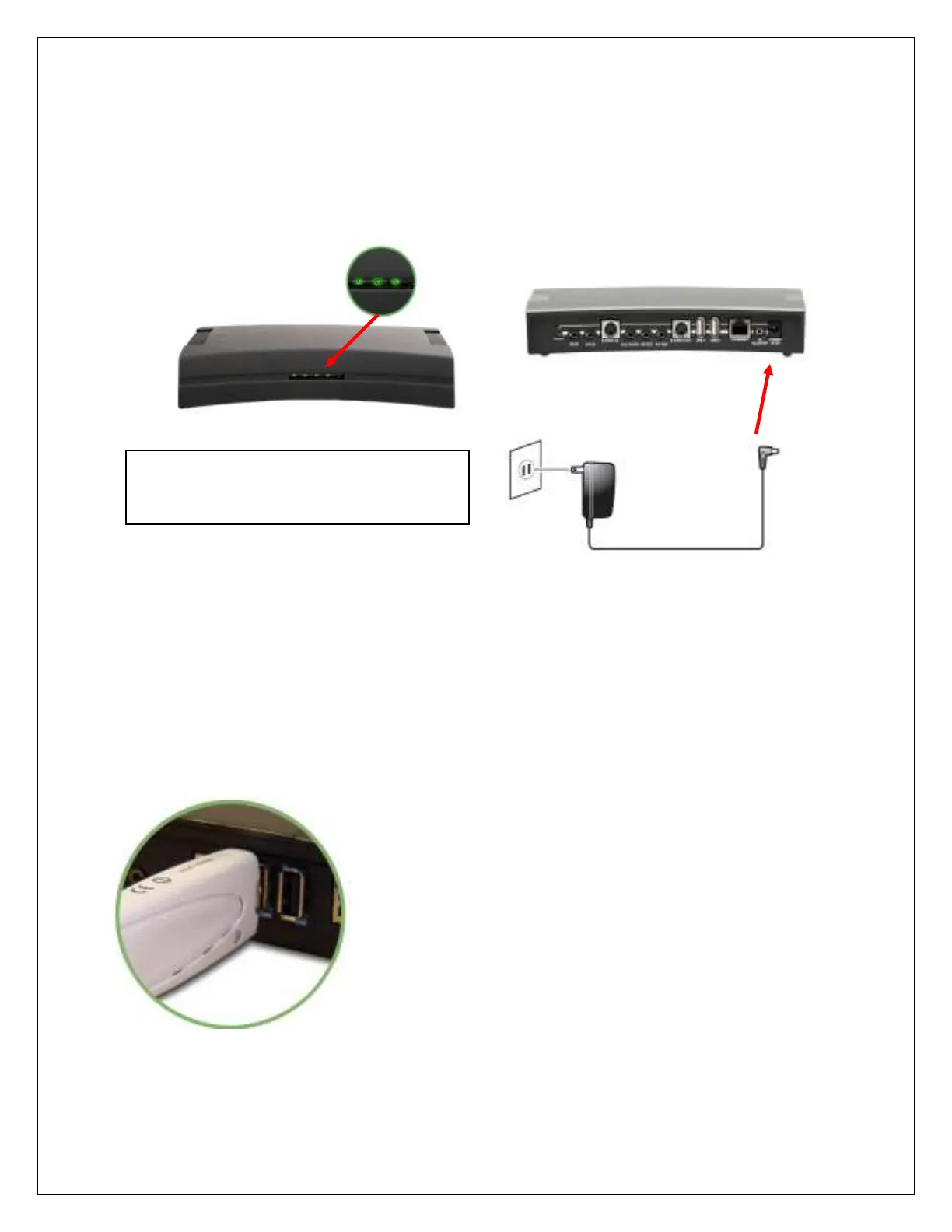
Connect the power supply cord to the back of your HAVA unit and the power adapter to a power source.
Take note that the power LED illuminates (the first LED to the right)
CONNECT USB DONGLE :
Connect USB Dongle to either USB port on the back panel of Hava Titanium
“Ready” LED, (2nd light from left) is steady ON when
HAVA is ready. It takes about one minute after
plugging HAVA in for this light to stay on.



 To Next Page