27
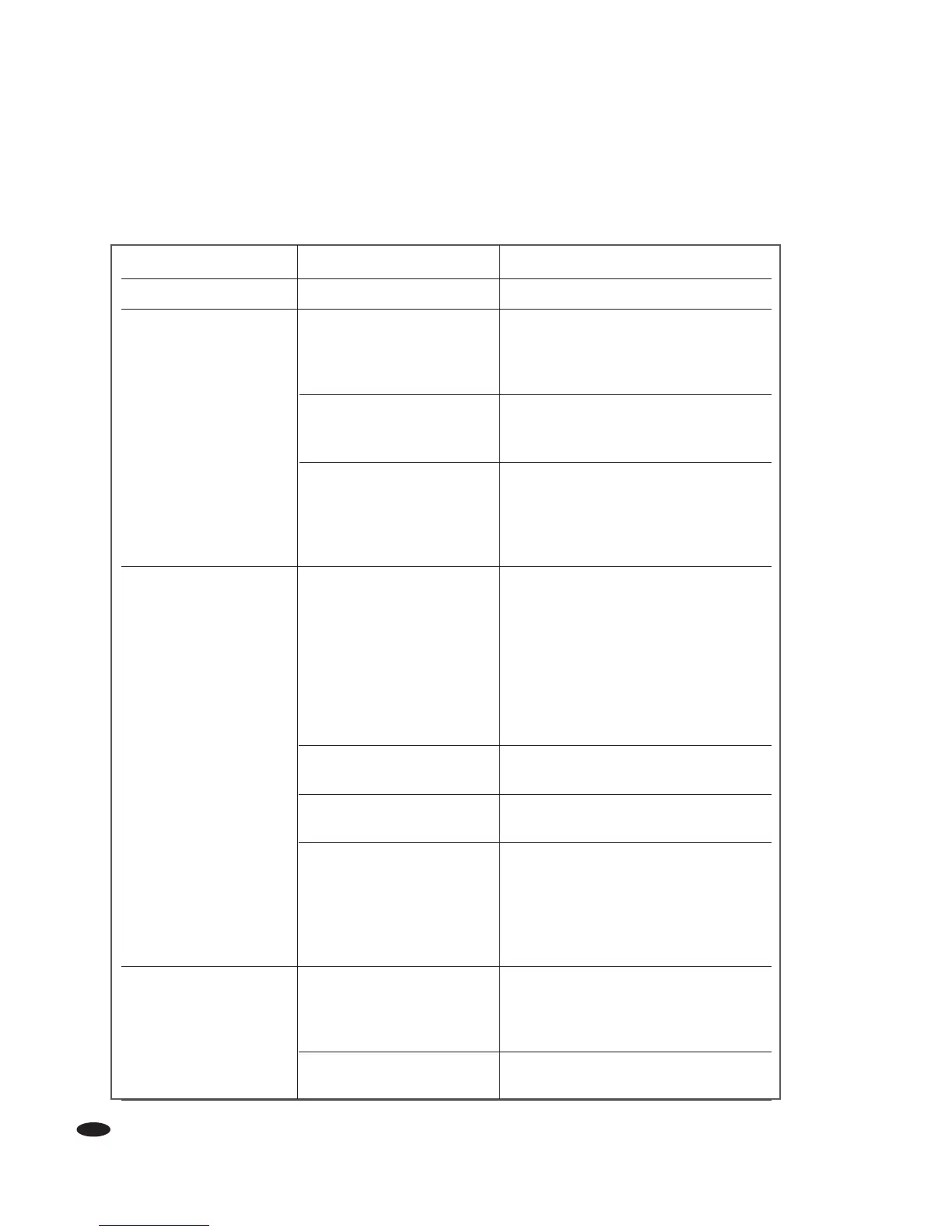
Symptom Possible Cause Remedy
Amplifier Does Not Turn On Power Cord Disconnected Check power cord and connect to AC Line
Blown Power Fuse Check Main power fuse on back of amplifier.
Disconnect amplifier from AC before
removing fuse. Replace with same value
fuse only.
Preamp Remote Trigger Cable Verify that the remote trigger cable is
Not Connected to Receiver connected to both the amplifier and
or Preamp the receiver or preamp.
Remote Trigger Out from Remote trigger in requires 3-30V AC/DC
Receiver or Preamp to turn amplifier ON. If the output of the
Is Incorrect Voltage. receiver or preamp remote trigger is not
within this range, the amplifier will not
turn on.
No Sound from One or Input Type Selection switch set Verify that all of the Input Type selection
More Channels to the incorrect input type switches are in the correct positions.
If using standard RCA connections,
the switch should be set to Unbalanced.
If using XLR connections, the switch should
be set to Balanced.
Input From Receiver or Preamp Check Input connections
is Not Connected
Speaker Cables Not Connected Check Speaker connections
to Amplifier or Speakers
Blown Channel Fuse Verify that the channel fuses have not blown.
If they have, replace with the correct type and value fuse.
Check the speaker and connections to
the speaker for that channel. Verify there is
no short in the connections or the speaker.
Sound Comes Out of Receiver/Preamp Output Verify that the receiver/preamp output
Incorrect Speaker Channel Channel Connected channel is properly connected to the
to an Incorrect Input Channel corresponding input channel on the amplifier.
on Amplifier
Amplifier Output Channel Verify that the amplifier output channels go
Connected to Incorrect Speaker to the correct speakers.
TROUBLESHOOTING
The following section lists some basic troubleshooting types should you encounter issues when using your
Monster Power Amplifier(s).



 To Next Page