Installation:
1. Connect the Keyboard to your computer USB port
2. Download the customizable software for windows
from the website:
monstergamingusa.com. Customizable software not available for Mac.
RGB LED functions:
Switching between LED light settings:
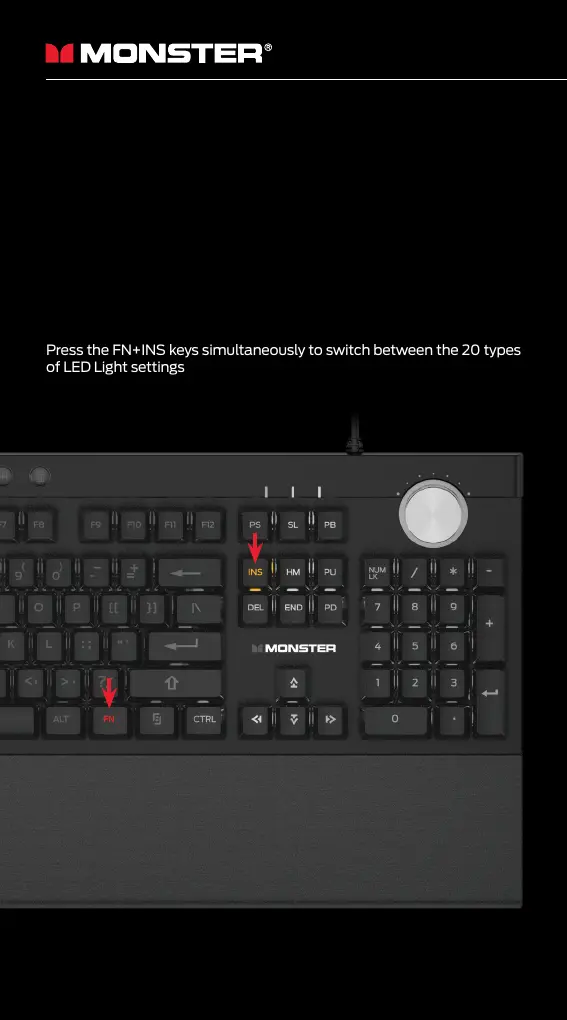
Press the FN+INS keys simultaneously to switch between the 20 types
of LED Light settings
Press Fn+Control (right side) to illuminate the side Panel LEDs. Press
again to switch between 8 dierent colors (the first 7 lights are solid
colors, the last mode is a breathing color cycle)


 To Next Page