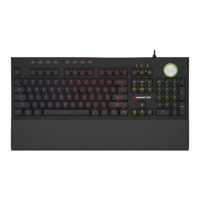
Scroll wheel functions:
The scroll wheel adjusts the Keyboard brightness, Rotate clockwise
to increase brightness and counterclockwise to decrease brightness.
Press wheel one time to change the dynamic lighting eect speed
(Rotate clockwise to increase speed and counterclockwise to
decrease speed)
Press the wheel again to change the volume (Rotate clockwise to
increase the volume and counterclockwise to decrease the volume)
Restoring to Factory Settings:
To restore the Alpha 5.0 Keyboard to its original factory settings
press the FN+ESC keys simultaneously.
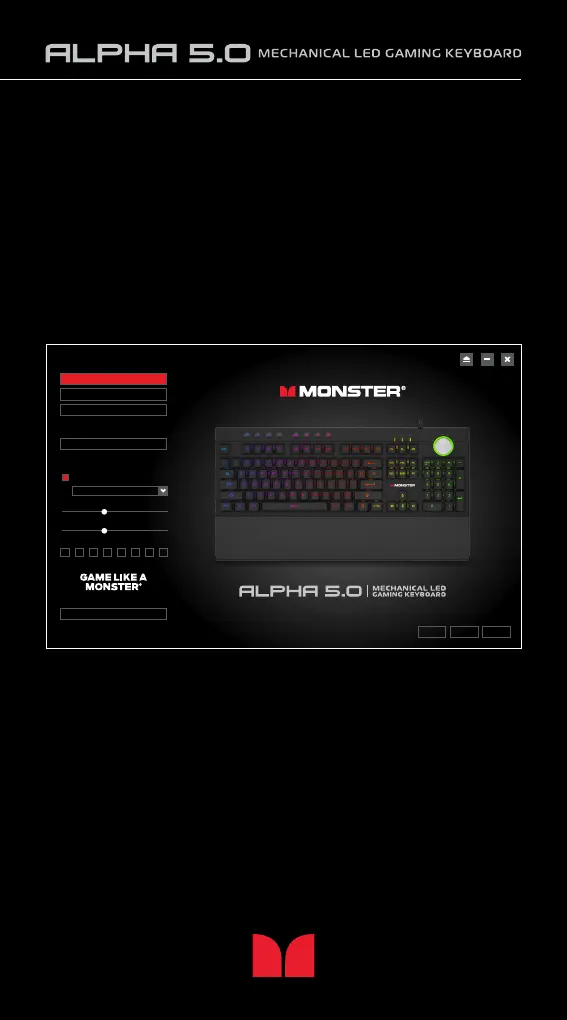
Customize your Alpha 5.0 Keyboard with the software included:
You can also customize the LED lighting with the Alpha 5.0 software.
Macro settings are also available with the Alpha 5.0 software.
Download the customizable software for windows from the website:
monstergamingusa.com. Customizable software not available for Mac.
OK CANCEL APPLY
Macro Setting
Profile Reset
Wave Left to Right
Light
Brightness
Speed
Color
Profile 3
Profile 2
Profile 1


 To Next Page