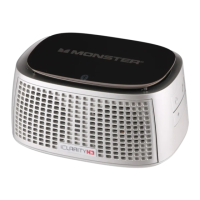
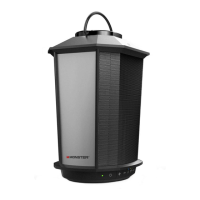
the speakers
“EZ-Play”
BLUETOOTH CONNECTION (Bluetooth Devices and Speakers)
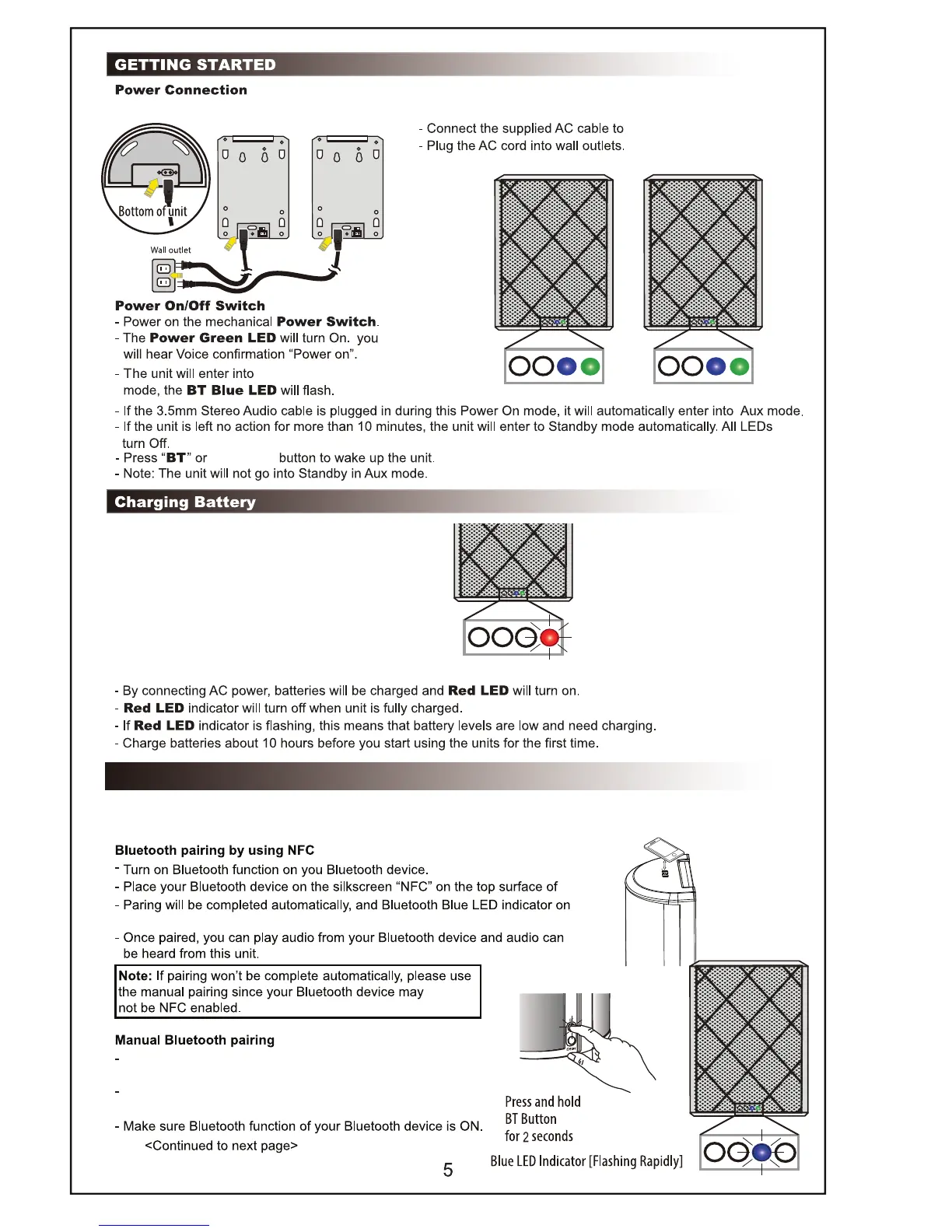
Bluetooth connection (pairing) between your Bluetooth device and the Speakers can be completed by using NFC
or manually. Your Bluetooth device must be NFC enabled to complete pairing automatically by using NFC.
Place one Speaker and your Bluetooth device so they are
no more than 3 feet apart,
Press and hold “BT” button on Speaker for 2 seconds to enter
into Bluetooth pairing mode. BT Blue LED will flash rapidly.
one unit.
Bluetooth








 To Next Page