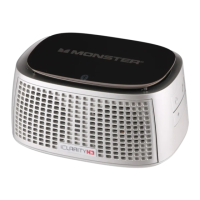
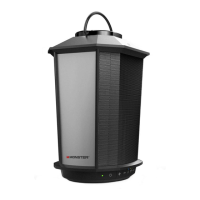
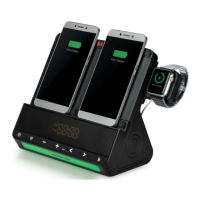
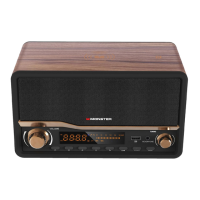
MONSTER BTW249
the
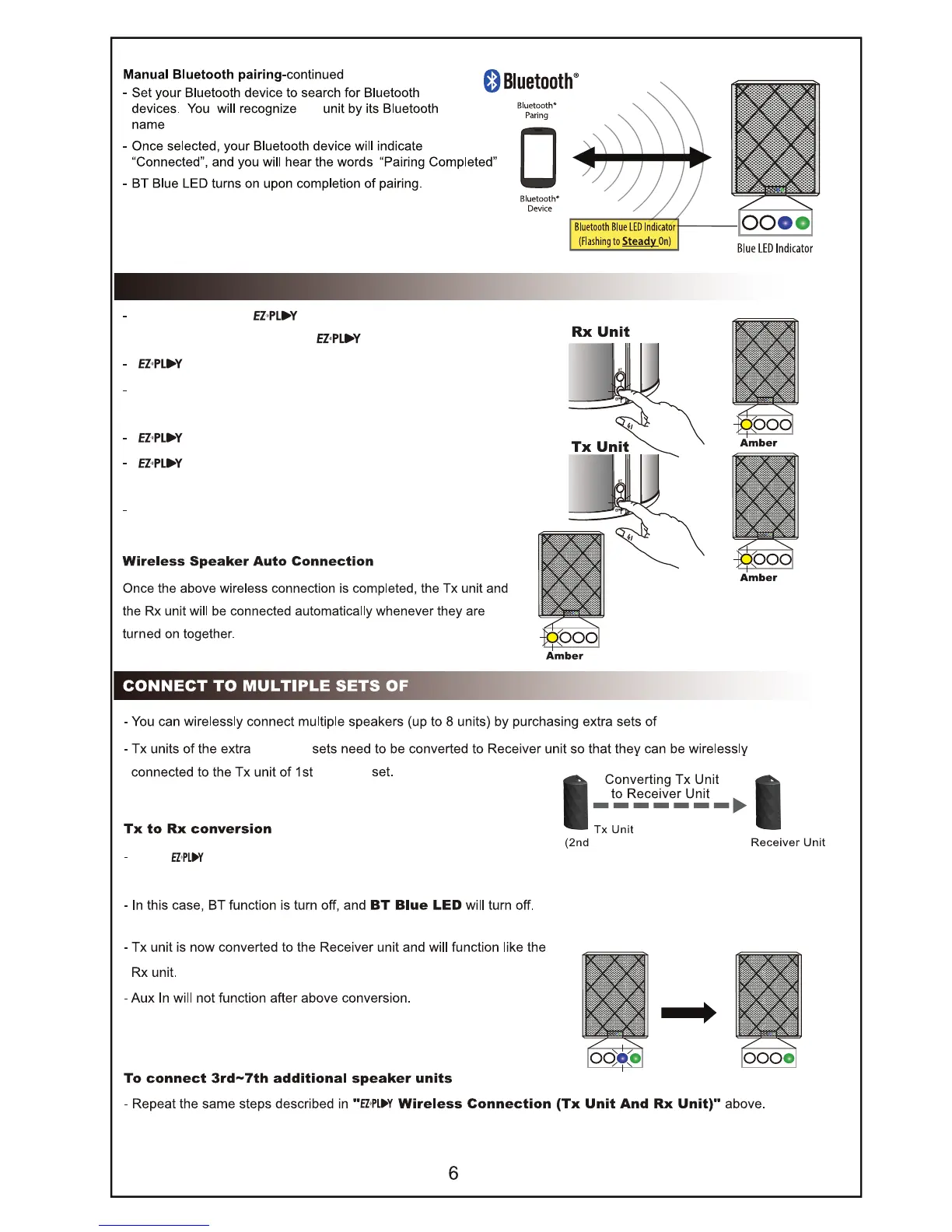
EZ-Play WIRELESS CONNECTION (Between Speakers)
Press and hold the EZ-Play button on the first unit for 2 seconds
to send connection request to EZ-Play unit
EZ-Play Amber LED on Rx unit will flash.
Press and hold the button on the second for 2 seconds to
scan connection request from Rx unit.
EZ-Play Amber LED on Tx unit will flash during scannng.
EZ-Play Amber LED on both units will turn steady on upon
completion of connection.
Once complete, the same audio will play on both speakers.
BTW249 SPEAKERS
BTW249
BTW249
BTW249)
BTW249
Press button for 5 seconds converting Tx unit to Rx unit.








 To Next Page