27
6
UPgraDing firmware
The Vision Max3D Eyewear is shipped with the latest firmware available, however due to
advances in 3D technology and changes in content, source equipment, and displays firmware
will require updating from time to time. Firmware is updatable via a connection to a pc with
the use of the included USB cables.
6.1 TRANSMITTER UPDATES
1. Install the Vision MAX 3D Eyewear update utility.
2. Connect the micro-B USB to the transmitter.
3. While pressing & holding the joystick in any direction, connect the Transmitter to the PC
via the USB Type-A connector. The single center RED LED will turn on, indicating transmitter
is in FW upgrade mode.
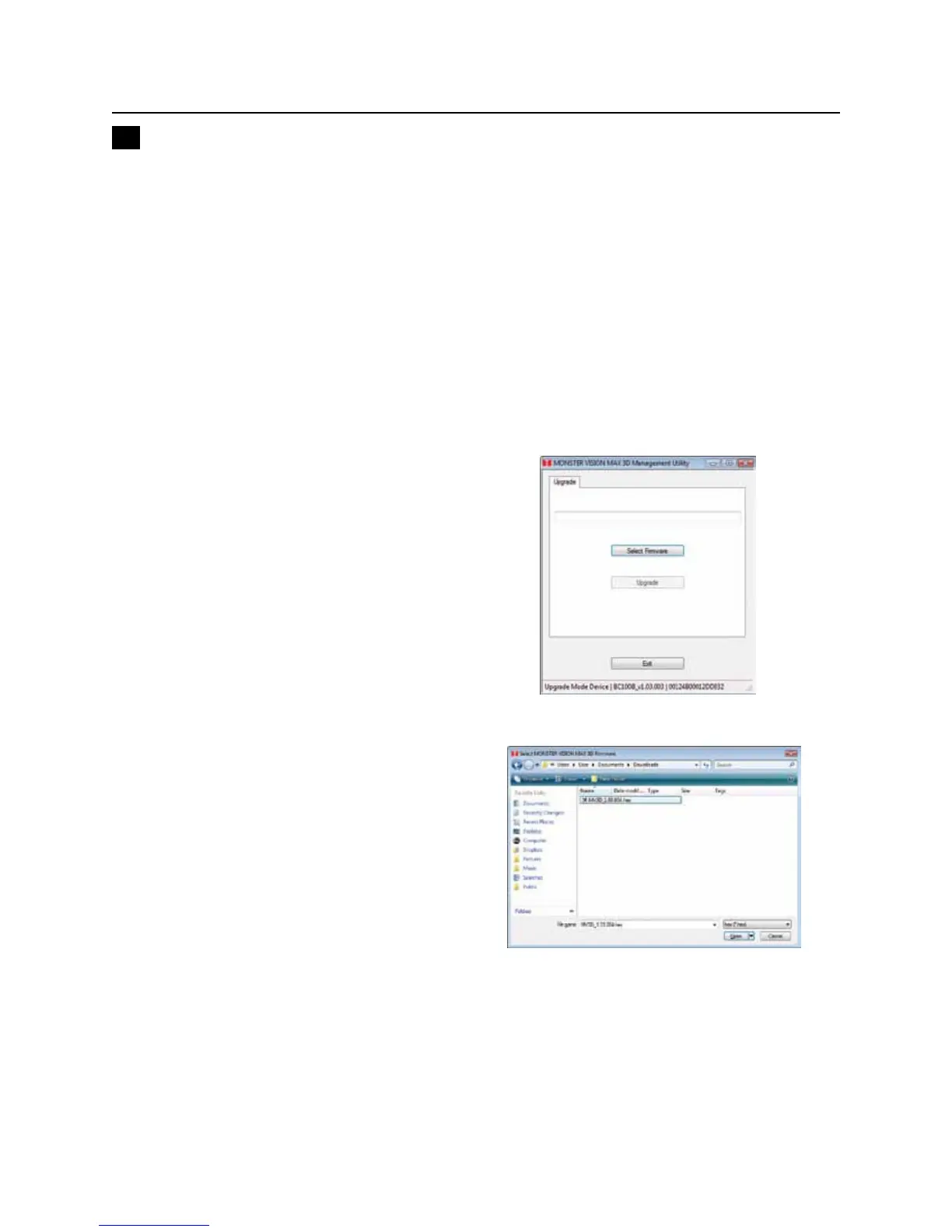
4. Once the transmitter is connected,
the status window will indicate the
version of current install FW and IEE
address. and selected the upgrade
window will appear, Click on Select
Firmware to find the firmware file.
Click on Select Firmware to locate
the firmware file.
5. Next you will be asked to open the
firmware file. Select the location of the
downloaded firmware file to open.
NOTE: If this directory has several files,
be sure to select the latest one.



 To Next Page