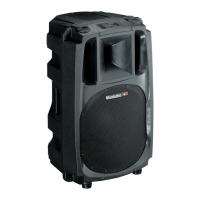
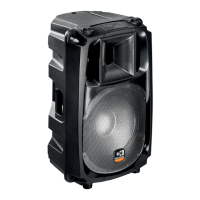
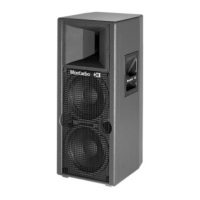
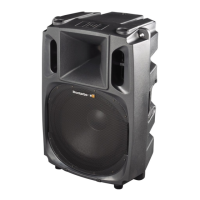
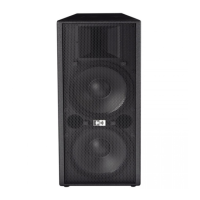
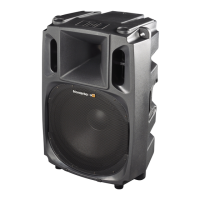
active, processor controlled, bi-amped speaker system
W400A
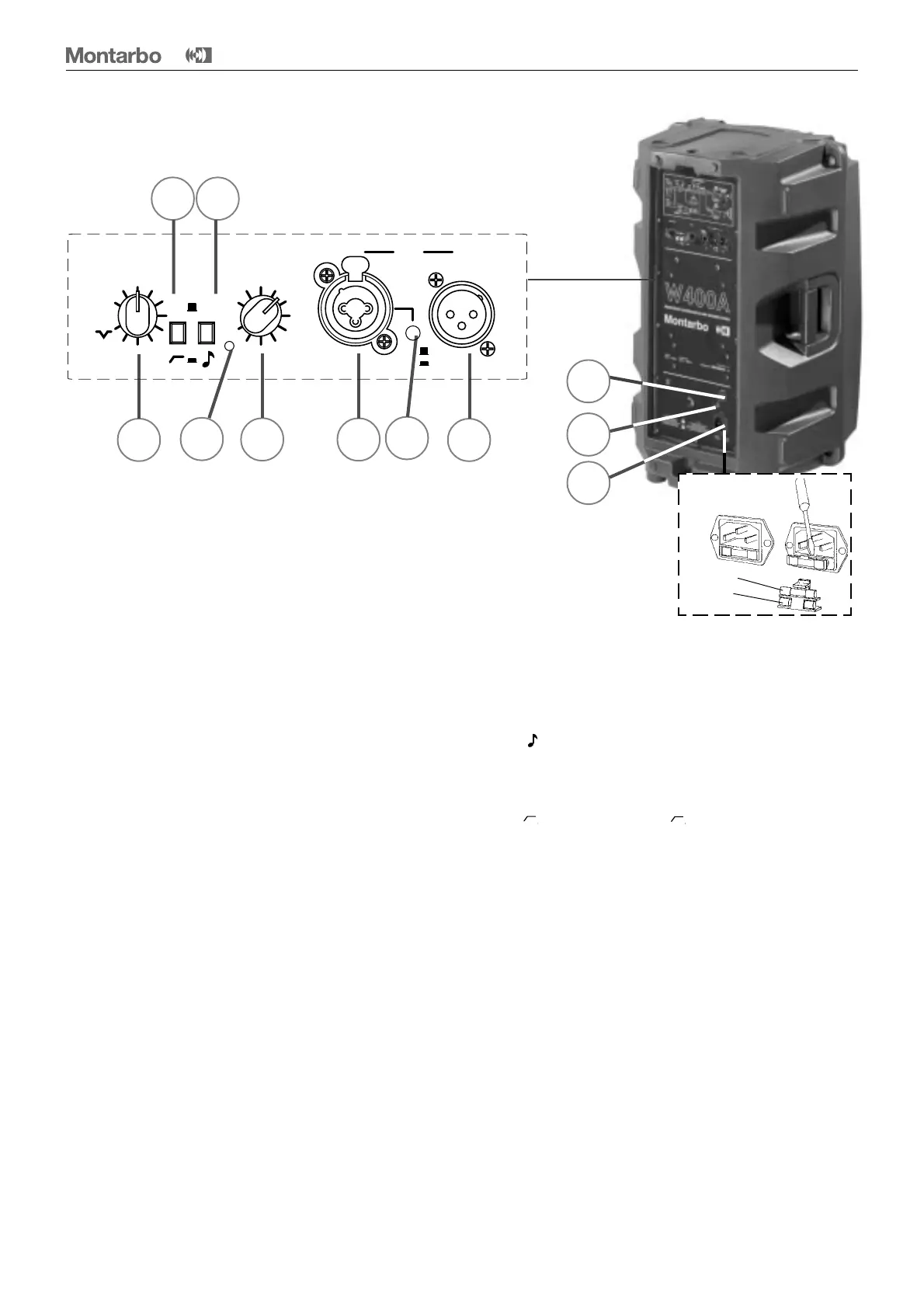
1 IN: balanced input, with adjustable sensitivity (microphone
-40dB / 2kΩ or line 0dB/20kΩ), fitted with a Neutrik Combo
®
connector which accepts both 3 pin XLR and jack plugs.
☛
See 'connectors' and 'connections' at pages 21 and 22,
and 'applications at pages 23, 24, 25.
2 LINE/MIC: input sensitivity switch (mic when pushed in).
To prevent unwanted operation, this control is recessed
within the panel, and it must be operated using a suitable
tool, such as a pen or a screw driver.
The switch is factory set in the 'line' position (button up) for
the most common applications (connection to a mixer or to
other active systems). If you want to connect a microphone
directly to the input you must push the button to 'mic' (
as input
and output of the W400A are connected in parallel and carry the same
signal, should the output be connected to another W400A the line/mic
switch of the latter should also be set in the same way of the other).
3 OUT: balanced output, (in parallel with the input), using a
3 pin XLR connector. It allows for easy parallel connection of
other W400A or active systems.
☛
See 'connectors' and 'connections' at pages 21 and 22,
and 'applications at pages 23, 24, 25.
4 VOL: input level control. It is the master volume control.
It also allows to adjust the speaker volume when this system
is used in parallel with others. Typical operating setting is
on maximum position. When a microphone is connected to
the input this control must be adjusted to reach the desired
volume.
5 Peak LED indicator. It is of great help to get an idea of
the output level: • if it never blinks, this means that the
working condition is still below the power limits of the
system.
• occasional blinking of this LED indicates that the working
condition is near to the maximum level, (yet the musician's
ear still continues to be the best judge of the signal quality).
6 'Spk / ' filter switch: in the 'spk' (speak) position it
optimizes the response for voice reproduction, by boosting
the mid-high frequency range.
7 'Flat / ' filter switch: in the ' ' it adjusts the low
frequency response for use as a stage monitor.
8 MID CTLR: equalization control. It allows changing the
response curve of the system depending on the requirements
of each different application. This enables optimizing the
W400A's working condition for each specific requirement
whether it is used for example in a conference hall, on stage
for monitoring and many other situations.
☛
See examples of settings at pages 13, 14 and 15.
9 Mains power on/off switch
10 Ground socket. It must be used only when the mains
cable is connected to an ungrounded socket, or if the socket
ground connection is unknown.
11 Mains power cord socket. Use only the factory supplied
mains cable or a suitable cable with a ground connection and
marked with the safety approvals valid in the country of use.
The trademark Neutrik Combo
®
is property of Neutrik
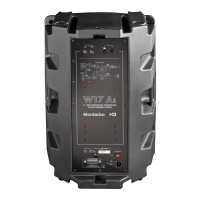
Control and connection panel
12
11
9
10
Service fuse
FUSE
REPLACEMENT
Spare fuse
ENGLISH
8
5
4 1
2
3
7 6
flat
10
0
OUTIN
LINK
line
mic
MID CTLR VOL
flat
peak
spk


 To Next Page
 Loading...