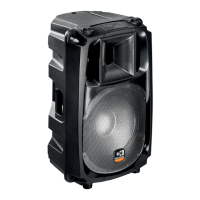
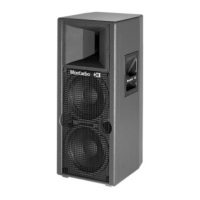
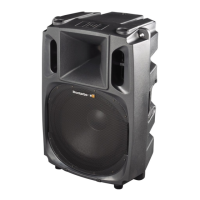
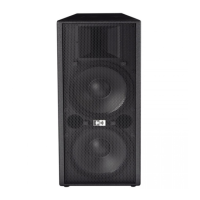
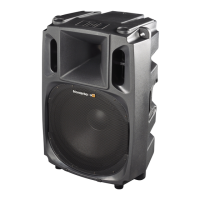
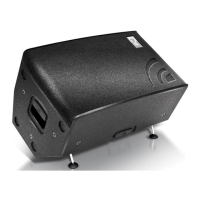
active, processor controlled, bi-amped speaker system
W400A
The system’s frequency response may be tailored to the
user’s requirements by means of the combined use of
the equalizer controls: spk/ (6) filter, flat/ (7) filter
and MID CTLR (8) control.
The following examples represent only a limited sample
of the various possible settings.
Starting from one of these, the user may change the
settings to obtain a customized one that will be the
optimal one for the desired results.
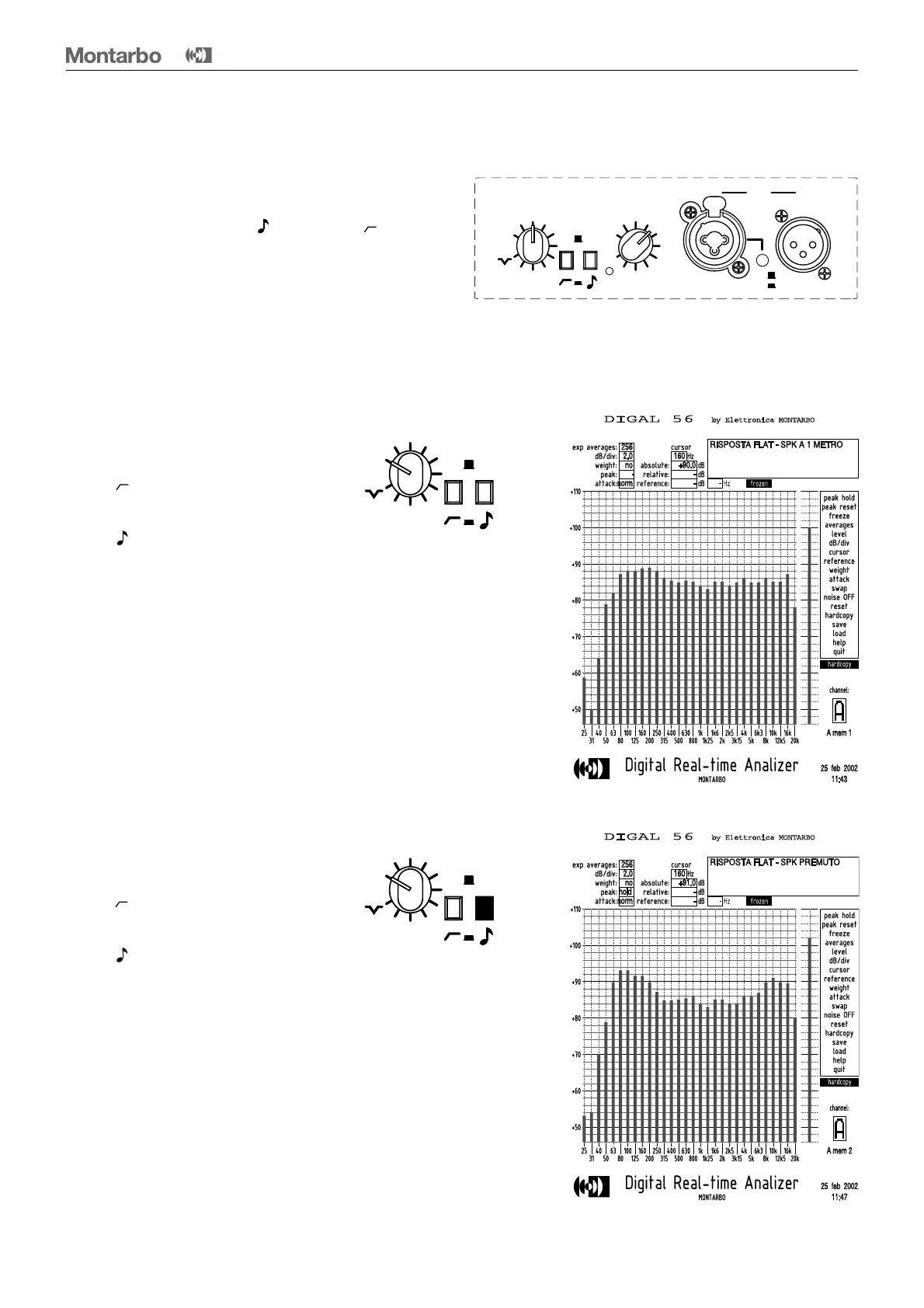
Example 1 :
• MID CTRL in FLAT setting
• "flat/ " filter switched OFF
(= pushbutton UP)
• "spk/ "filter switched OFF
(= pushbutton UP)
This results in the flattest frequency response.
It is the suggested setting for high level P.A. applications.
It is the setting of choice when the W400A are used
with a subwoofer.
Example 2 :
• MID CTRL in FLAT setting
• "flat/ " filter switched OFF
(= pushbutton UP)
• "spk/ " filter switched ON
(= pushbutton DOWN)
This is the suggested setting when used for low
volume music, because the limits of the audible range
are boosted (low and high frequencies).
Do not use this setting at high volumes, because it will
result in a decrease of the available dynamic range.
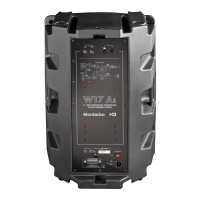
Rear panel: equalizer controls
flat
10
0
OUTIN
LINK
line
mic
MID CTLR VOL
flat
peak
spk
flat
MID CTLR
flat
spk
flat
MID CTLR
flat
spk
13
ENGLISH


 To Next Page