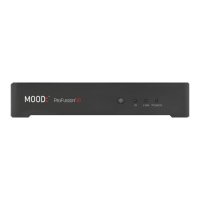
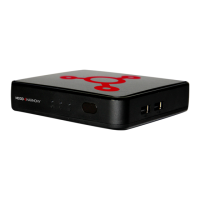
6 ProFusion iS for Pandora Quick Start Guide
Connect cont'd.
7 Plug the other end of the external power adapter into an ‘always on’
wall outlet.
NOTE: If a switch controls the outlet you are using, please ensure the switch is
always on.
8 Press the Main Power Button on the back of your ProFusion iS to the
‘On’ position.
9
Turn on your amplifier and increase the volume only slightly.
Please remember that you may need to adjust your amplifier volume to match
the level you are accustomed to. Due to normal differences between any
previous music player and your new ProFusion iS you may need to try different
volume settings on your amplifier. ProFusion iS volume is set to 100% from the
factory, so adjust your system slowly and carefully.
2 Activate
GET YOUR ACTIVATION CODE
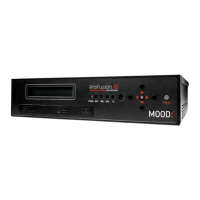
Using the Navigation buttons on the front of your ProFusion iS:
1 Press . to access the menu.
2 Press the 1 button until the ‘>’ on the LCD display is next to
Pandora
Control. Press . again.
3 Verify the ‘>’ is next to
Activation. Press ..
4 Your activation code will be displayed. Please write it down and leave
your ProFusion iS on this menu for now.
Activation
Code: XXXXXXXXX
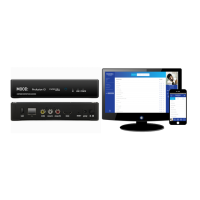
5 Using your personal computer, go to dmx.com/pandora/activate.
Follow the links to activate your ProFusion iS. You will be asked to enter
your activation code and login or create a new Pandora account.


 To Next Page