Need Help? Call 800.929.5407 or visit dmx.com/pandora 7
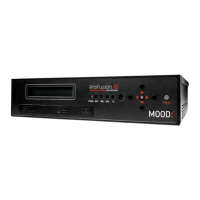
6 After completing the online portion in step 5, return to your ProFusion
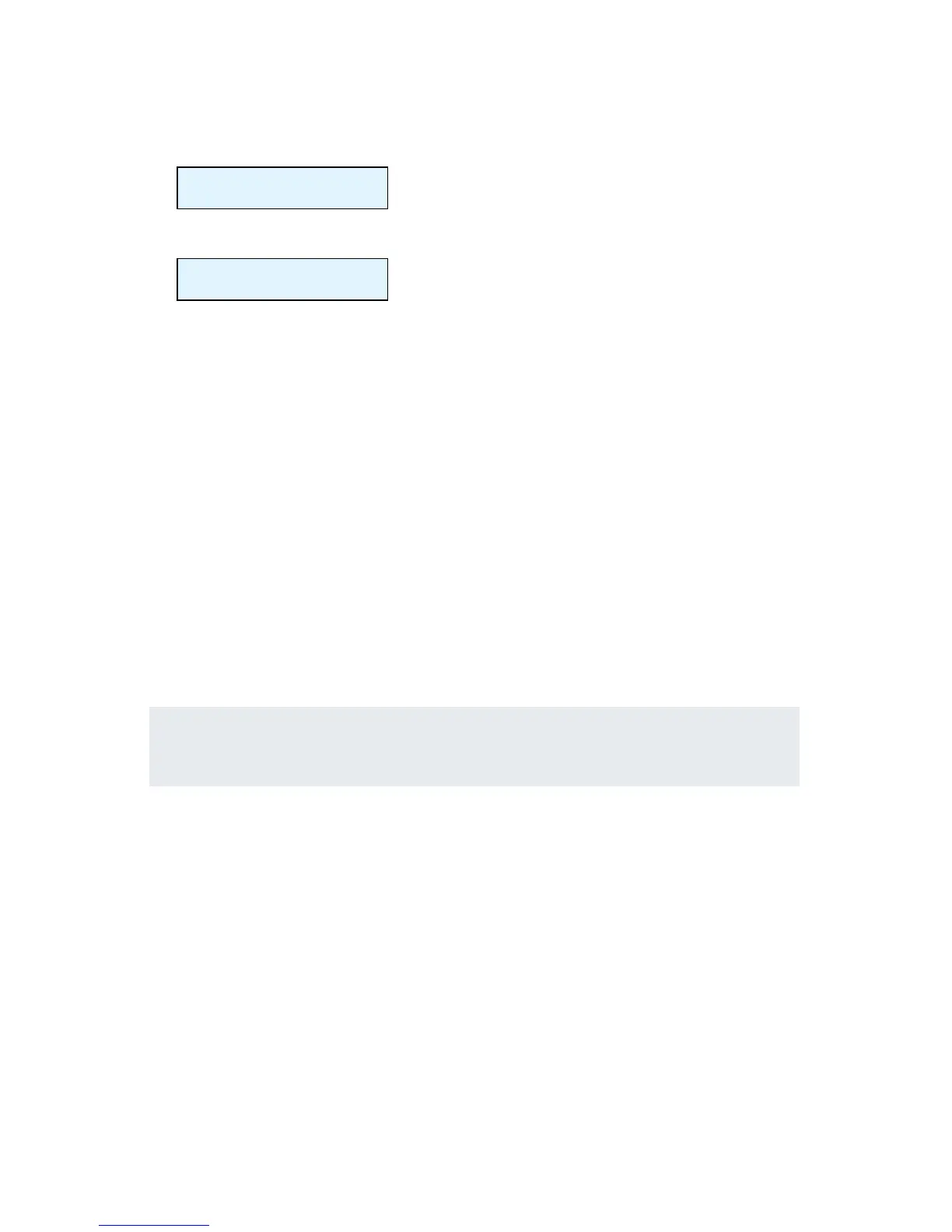
iS and press the 5 button. You will see:
> Activate
BACK
7 Make sure the ‘>’ is on Activate. Press . and you will see:
Activation
Successful!
NOTE: If there was a problem with the activation process, you will see “Activation
Failed - Message.” If you see this, please write down the message and contact Mood
Media at 800.929.5407.
3 Listen
Follow the on-screen prompts on the player to select stations within your
Pandora account or create a new station. You should hear your Pandora
station playing within minutes.
NOTE: The player is automatically set with the Explicit Content lter enabled. If you would
like to disable the lter, please refer to the Feature Guide for detailed instructions.
Refer to the Feature Guide if you would like to learn more about the
features of your ProFusion iS for Pandora for your business.
If you have any questions or comments, please call us toll-free at
800 929.5407 or visit our website atdmx.com/pandora.


 To Next Page