PAIRING WIRELESS FOOTSWITCH
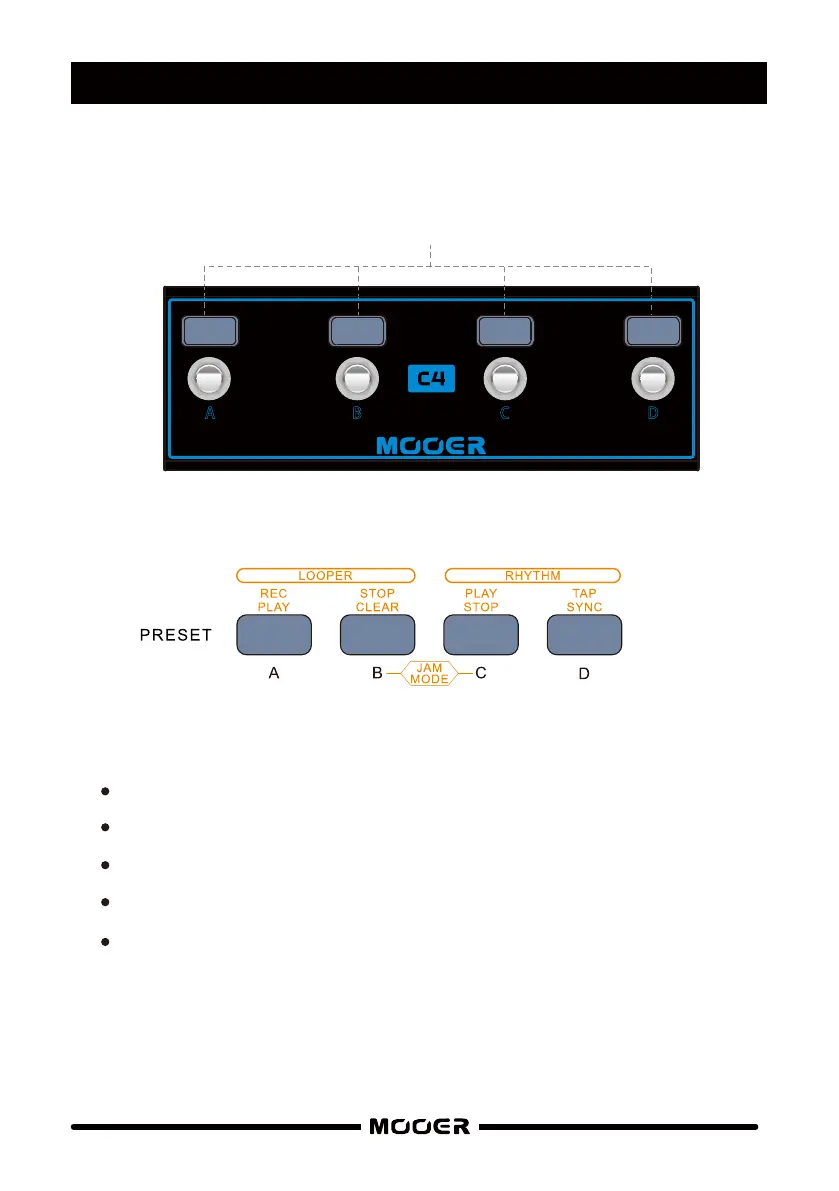
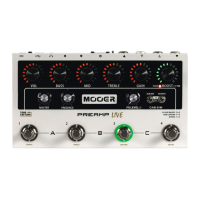
When the wireless footswitch is connected to SD30/SD75 It’s 4 footswitches
A , B, C , and D, directly mirror the functions of the PRE SE T buttons.
Ensure the SD amplifier is turned off
Press and hold footswitches C + D on the wireless controller
Power on the amplifier
Release the footswitches when the amplifier has finished booting up
Set WL-FS to ON in the SYSTEM S ETTING S
Pres et
A B C D
11



 To Next Page