380D Digital-to-Analog Converter
Remote Control Operation (cont’d)
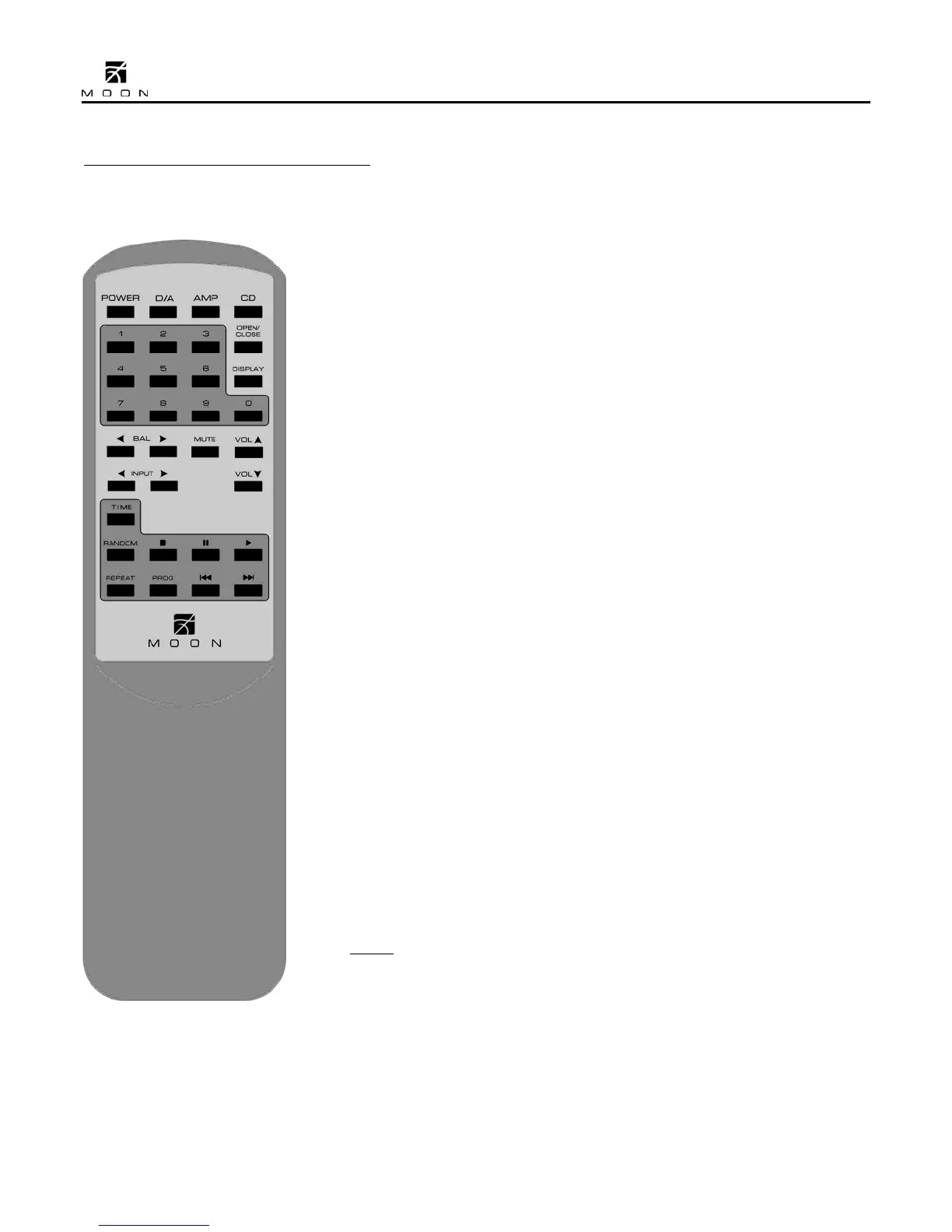
The Nēo 380D Digital-to-Analog Converter uses the ‘CRM-2’ full-function remote
control (figure 6). It operates on the Philips RC-5 communication protocol and is
can be used with other Simaudio MOON components.
The ‘CRM-2’ remote uses two AA batteries (included). To install them, simply slide
the back plate off in the direction of the arrow; insert the batteries in the correct
direction and then replace the back plate.
To engage the ‘CRM-2’ remote for use with the Nēo 380D, you must first press
the button labeled D/A.
The POWER button located on the upper left will switch the Digital-to-Analog
Converter to either ‘Standby’ or ‘On’ mode.
The DISPLAY button turns the front panel display on and off.
The 2 buttons labelled ◄ INPUT ► allow you to sequentially scroll, either
backwards or forwards, through all eight (8) available inputs. For example, to
switch from “D4” to “D1” you may press either
◄ INPUT three (3) times or
INPUT
► five (5) times. Pressing and holding down either of these
buttons results in only a single change to the selected input.
The MUTE button turns off the output volume. Pressing the “Mute” button a
second time will reinstate the output volume level back to its current setting.
For MOON 380D’s equipped with the optional volume control:
The 2 buttons labelled ▼ VOL ▲ allow you to control the volume level. Pressing ▼
VOL results in a decrease in the volume level; Pressing VOL
▲ results in an
increase in the volume level. You may either press and hold these buttons down or
press them briefly to make volume adjustments.
NOTE: The 2 buttons labelled ◄ BAL ► don’t affect the operation of the 380D.
Figure 6: CRM-2 Remote Control
____________________________________________________________________________________
11



 To Next Page