4
Contents
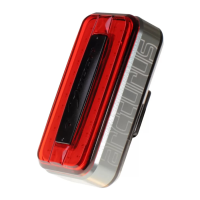
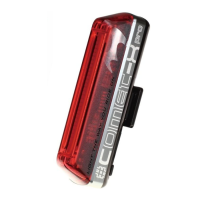
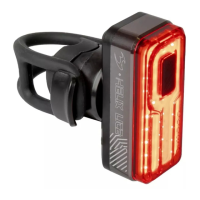
• Nebula light unit
• RB-22 – Universal bracket
• 2 O-rings for mounting:
o RS-G (Fits Ø 20-35 mm)
o RS-H (Fits Ø 35-52 mm)
• RB-21 – Saddle rail bracket
• BK-21 – Belt clip
• USB cable
Optional Accessories
• RB-19 – Rear rack bracket
• RB-23 – Helmet bracket
• RB-27 – GoPro mount adapter
• USB remote control (1200 mm)
Operation
• Turn on the light by pressing the power button.
• Cycle through modes by pressing the power button repeatedly.
• Switch between steady and flashing modes by double-clicking the power
button.
• Turn off the light by pressing and holding the power button for 1 second.
Mode Memory Function
• The light remembers the last used mode and resumes it upon the next
activation.
• Remote switch operation follows the same controls as above.
Lighting Modes
• Steady Modes:
o Mode 1 → Mode 2 → Mode 3 → Mode 4
• Flashing Modes (Double Click to Switch):
o FL1 → FL2 → Steady Flash → Day Flash (Double Blast)


 To Next Page