ALWAYS CONTACT US FIRST
In the event that none of the above works, please
contact our technical support team by emailing
support@igenio.co.uk quoting your original order
number. We kindly request you do not leave negative
reviews without contacting our support team first.
All products are covered by our Lifetime Manufacturer's
Warranty and we are fully committed to your 100%
satisfaction. We will do our very best to assist you.
TROUBLESHOOTING TAKING PHOTOS
• Open your device's native camera app
• Press button to take a photo
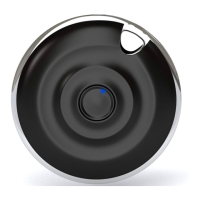
If Mooni
®
does not remotely operate your camera,
check the LED is only flashing red indicating successful
pairing. If not, follow TROUBLESHOOTING BLUETOOTH
®
above. If so, download the "Camera 360" app by
PinGuo Inc. from your app store. Note that although
Mooni
®
may work with other 3rd party camera apps,
we do not recommend or support them.
• Hold down the button for a few seconds and wait for
LED to flash.
If the LED does not flash red/blue, please replace with a
spare CR2032 battery (supplied) and try again.
TROUBLESHOOTING THE BATTERY


 To Next Page