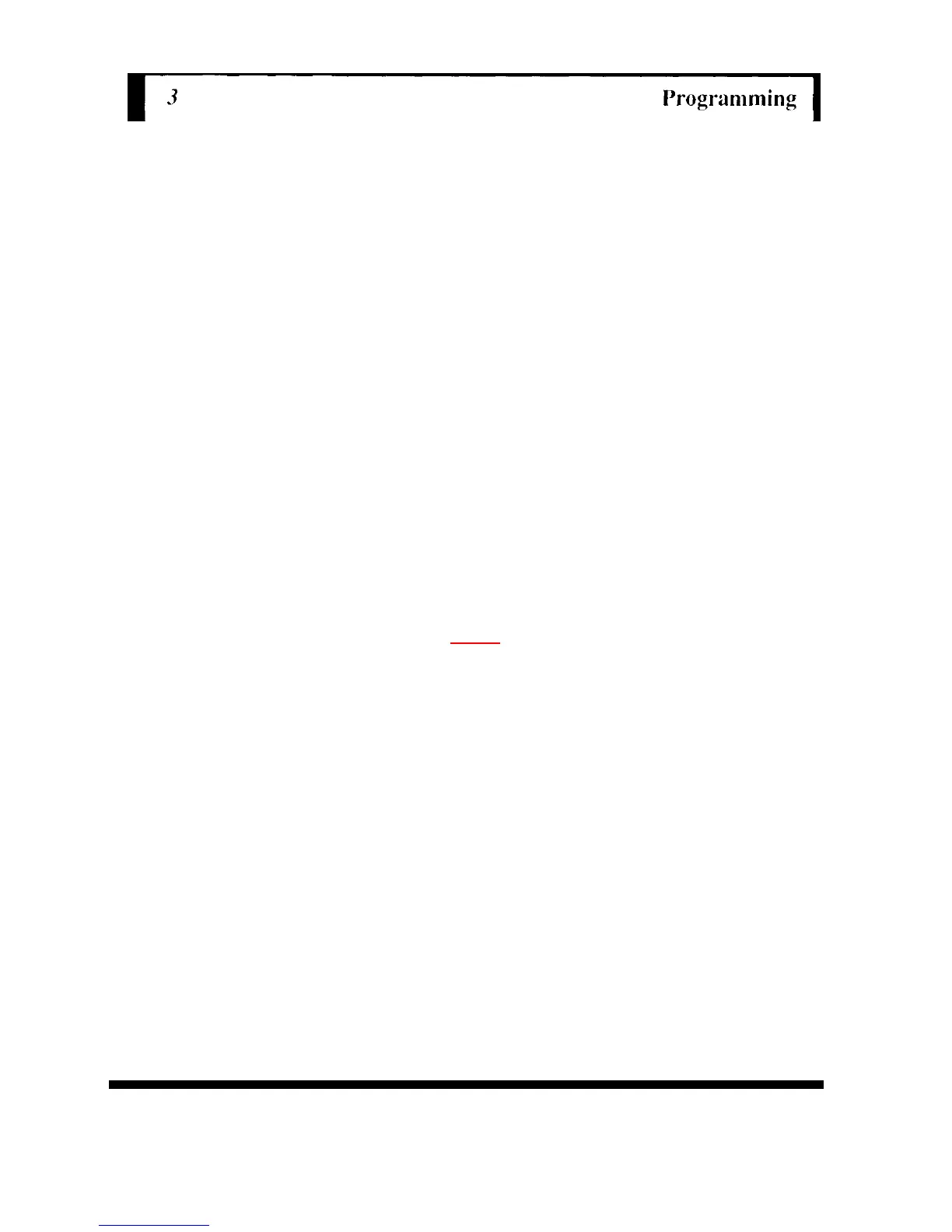
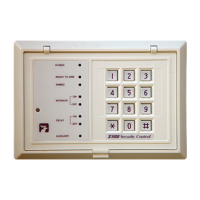
4. Press key 6 or key 8, then Bypass (#) key to instruct the control that you
wish to program the desired code sequence for User Code. The keypad
will beep three times.
5. Enter the desired four digit code sequence. After the fourth digit is entered,
the keypad will emit one short beep followed by one long beep; then, the
system will exit the programming mode automatically.
6. Repeat steps 2 and 3 to re-enter the programming mode.
7. Press key 7 for the Z900 control or key 9 for the Z950/Z880 control plus the
Bypass (#) key to instruct the control that you wish to program the number
of
valid uses for User Code 8. 'Me keypad will beep two times.
8. Enter the number of uses desired, 1-254, then press the Reset (*) key.
The keypad will beep two times.
9. Press the Reset (*) key again to exit the programming mode.
NOTE
The temporary code may perform all of the functions of your regular User
Codes. Only the Master User Code (Code 1) will permit entry into the
programming mode of operation. Remote Programming is not available in U.L.
Listed Systems.


 To Next Page