10
VI. Operation instruction
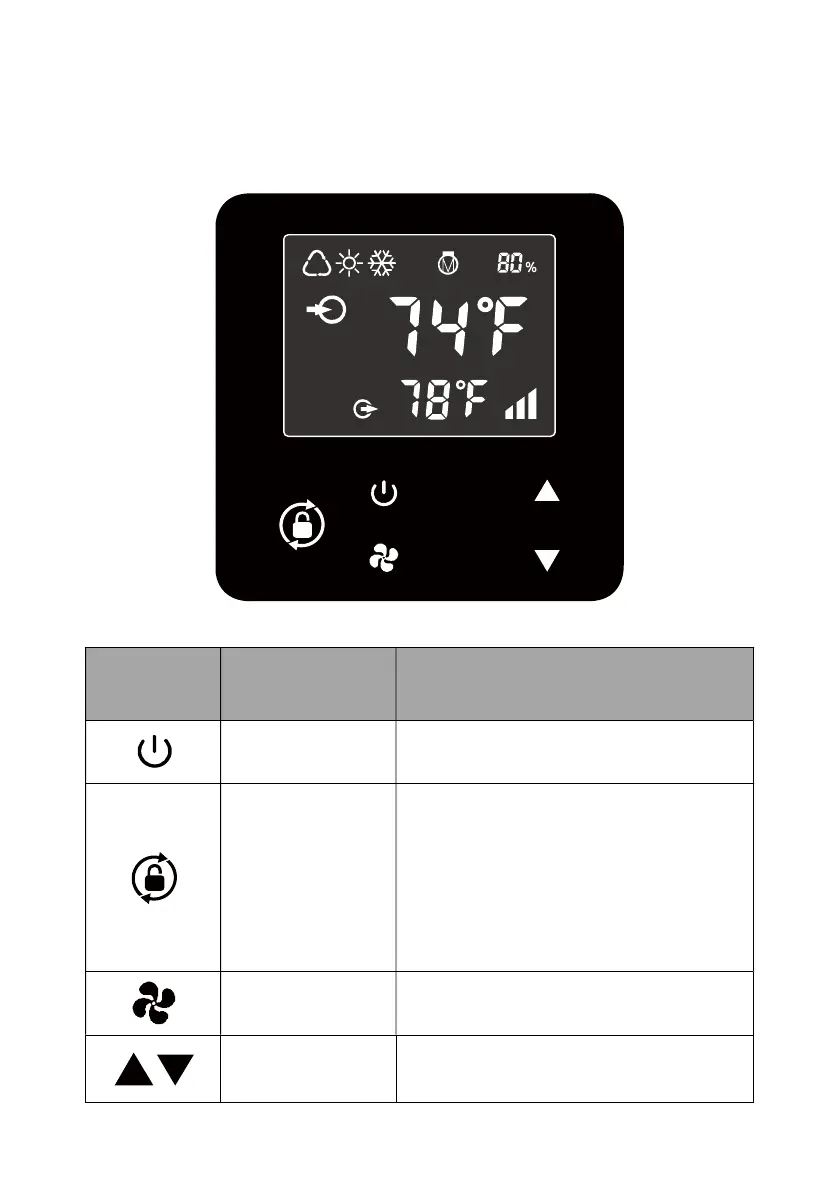
Picture for keys
SYMBOL DESIGNATION
FUNCTION
ON/OFF Power On/Off
Unlock
1. Press it for 3 seconds to
unlock/lock screen
2. After screen is unlocked, press it
to select mode.
Auto (54~104 ℉ ) Heating
(64~104℉) / Cooling (54~86℉)
Speed Select Smart/Silence mode
Up / Down Adjust set temperature



 To Next Page