1
App pairing
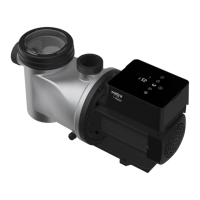
Please make sure your pump is turned on before you start.
Option 1 (Recommended): With Wifi and Bluetooth
(Network requirement: 2.4GHz; 2.4Ghz and 5GHz into one SSID; but no separate 5GHz network)
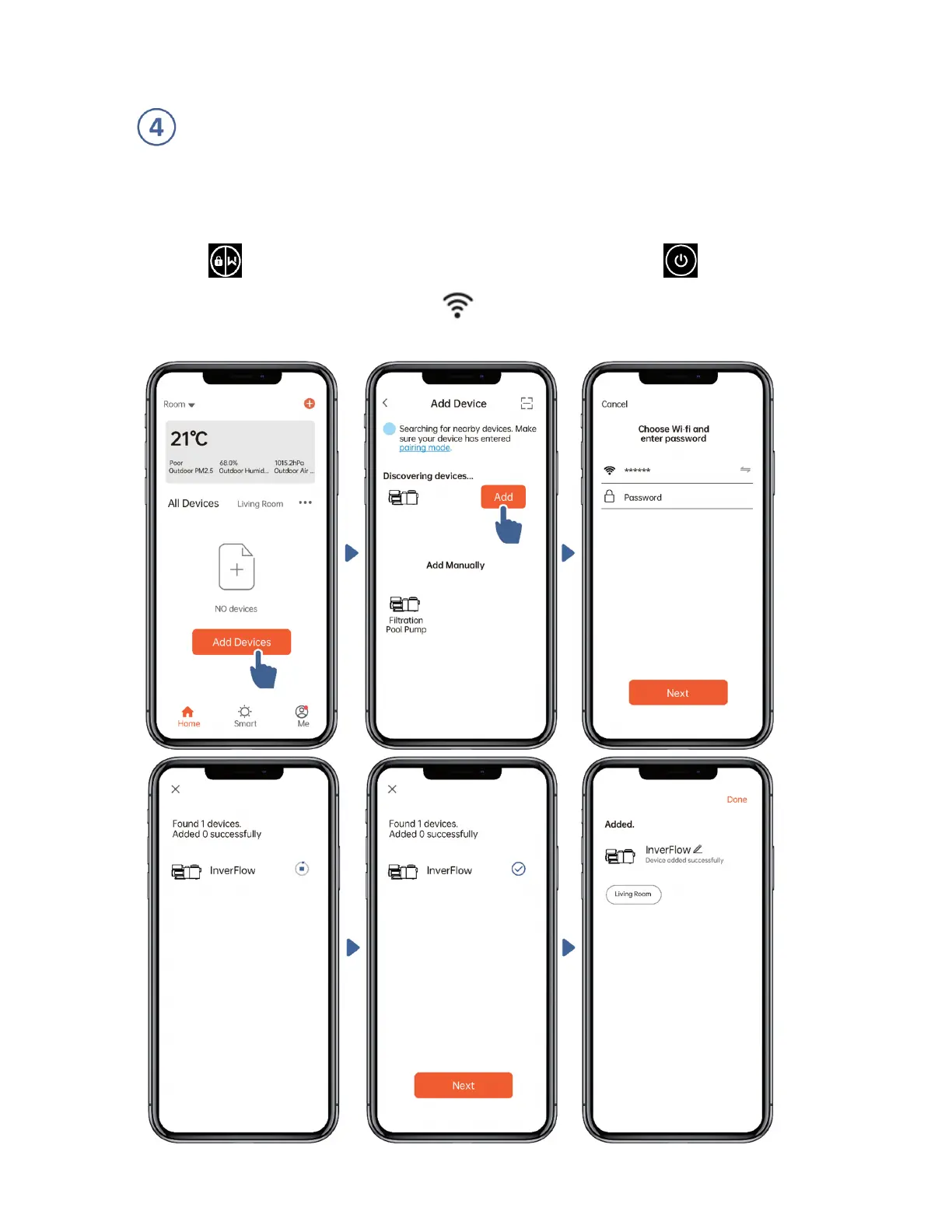
1) Please confirm that your phone is connected to Wifi and your Bluetooth is on.
2) Press for 3 seconds until hearing “Beep” to unlock the screen. Press for 5
seconds until hearing “Beep” then release. Will flash
3) Click “Add Device”, and then follow the instructions to pair device.



 To Next Page