Description of functioning
technical
30
- Step 8. Maximum DHW Power Regulation. Only displays the selected value in
AUTOTEST (P1 XX).
- Step 9. Minimum DHW Power Regulation. Only displays the selected value in
AUTOTEST (P2 XX).
- Step 10. Start-up Pressure Regulation. Only displays the selected value in
AUTOTEST (P3 XX).
- Step 11. Maximum heating Power. Only displays the selected value in AUTOTEST
(P4 XX).
- Step 12. Boiler Working Time. Only shows how long has being the boiler working in
hours (h), days (d) or weeks (w).
- Step 13. Burner Working Time. Only shows how long has being the burner working
in hours (h), days (d) or weeks (w).
- Step 14. State of manufacture. (EF XX).
- Step 15. Main board software version. i.e. “CC 1.1”.
- Step 16. Front panel control software version. i.e. “CP 2.3”.
HEATING SELECTION WITHOUT EXTERNAL AUTO TEST
Selection of heating mode (radiators/ under floor heating)
The boiler can be configured for either heating radiators (rA) or under floor heating(SU)
2 configuration methods are available via the digital control knobs
a- Using the configuration menu page 29
b- Doing the following
1- Set the Left Regulating Knob (DHW) to the right (maximum)
and the right knob (CH) to summer position now push
the main PCB push button.
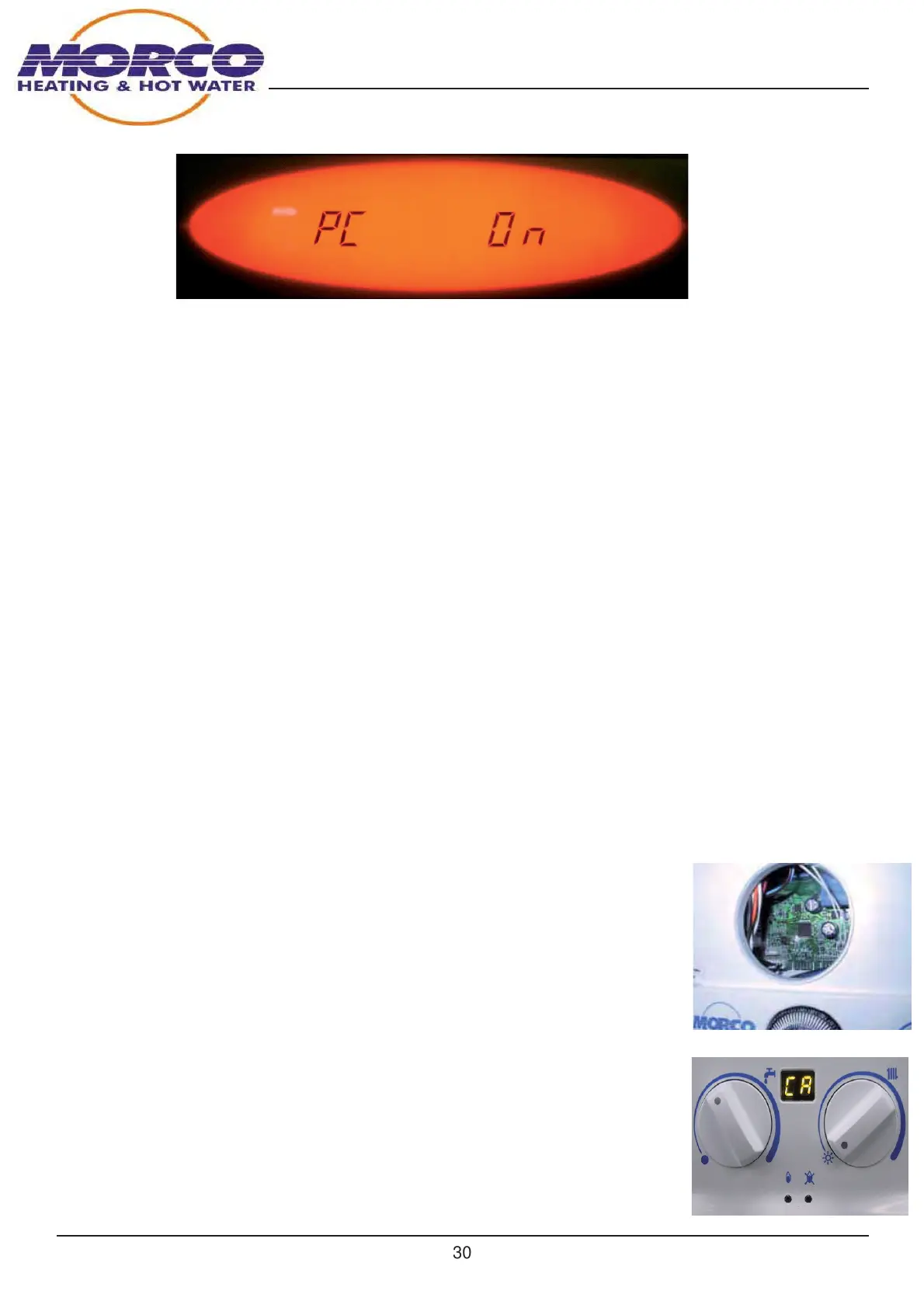
2- The display will show CA as shown in the photo and will alternate between rA and CA
if the mainboard button is pressed before 10


 To Next Page
 Loading...