Use as intended
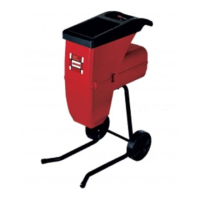
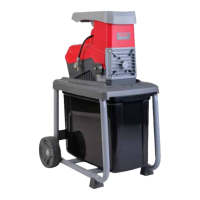
This shredder is designed for composting cutting of fibrous
and woody garden waste.
Collection of shredded material
Use a receptacle located under the ejection slot for the
ground material.
Always use the correct supply voltage
The power supply voltage must match the information quoted
on the tool identification plate.
The circuit must be protected by a fuse with at least 10 A.
Warning!
For your safety you must use an isolating transformer
or an R.C.D. device between the power supply and
the extension cable.
An extension cable with a cross section that is too small caus-
es a distinct reduction in the performance capabilities of the
machine. For cables up to 25 m in length, a cross section of
at least 3 x 1.5 mm
2
is required; for cables more than 25 m in
length, the cross section must be at least 2.5 mm
2
.
Operation
On/off switch
• Press the green button to switch the shredder on.
• Press the red button to switch off.
Note: The machine is equipped with a safety switch to
prevent it from being switched on again accidentally
after a power failure.
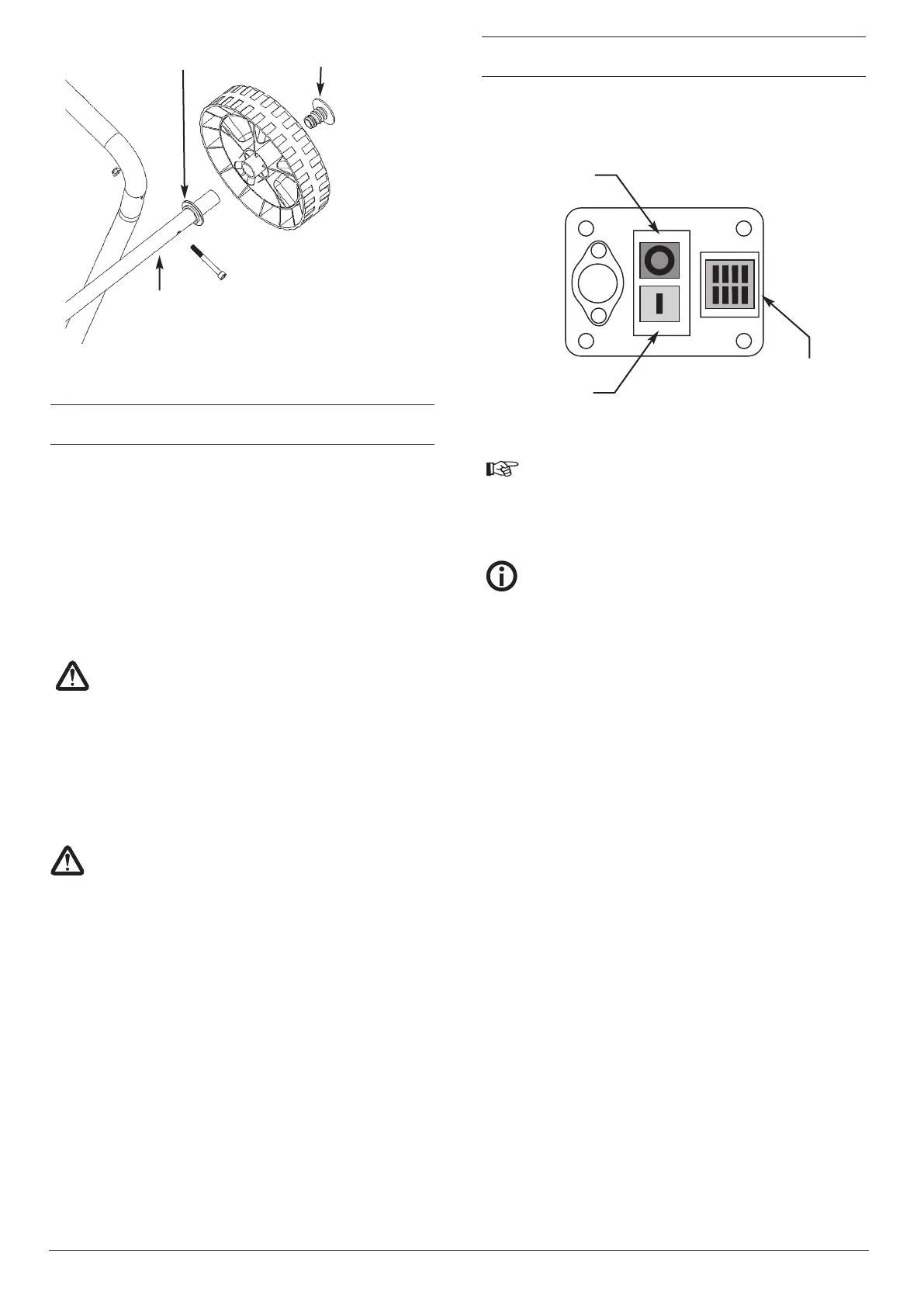
Rotational direction switch.
Important!
The yellow rotational direction switch must only be
operated when the shredder is switched off.
When the switch is depressed toward position “|”
Position “|”
The cutting blade pulls in the material and chops it.
When the switch is depressed toward position “|”
Position “0’’
The cutting blade is operating in reverse direction and
jammed material is released.
Keep the green button of the On/Off switch pressed after set-
ting the rotational direction switch on position “0’’, the cutting
blade will turn in reverse direction. Release the On/Off switch
the shredder will stop automatically. If set between “|” and “0”
the motor will not run.
Tips
• Large objects or woody pieces will be removed after several
operations in both cutting and releasing directions.
• Use a pusher or clearing hook to remove blocked objects
from the feeding funnel and ejection slot.
Caution! Always wait for the shredder to be idle before switch-
ing it on again.
Longer material standing out from the shredder could lash out
when being pulled in by the cutting blade. Please keep at safe
distance!
Overload protection
Overload (e.g. blocking up of the cutting blade) leads to a
standstill of the machine after a few seconds. To protect the
motor from being damaged, the overload switch will cut the
mains automatically.
Wait at least 1 minute before restarting by first pressing the
reset button and then the on/off switch.
In case of blocking cutting blade turn the rotational direction
switch to the left position “1” before switching the shredder on
again.
5
Figure 2C
Wheel hub
Spacer
Axle
Position “|”
Position “0’’
Rotational
direction
switch
Warning!
To protect the Rotary Blade from damage during
transit, this blade is positioned away from the
Cutting Plate.This must be set correctly before
any material is processed. Refer to page 6 for
setting.


 To Next Page
 Loading...