EasyManua.ls Logo

Motec MVCD1000-x - User Manual

Motec MVCD1000-x
32 pages
Print Icon
To Next Page IconTo Next Page
Loading...
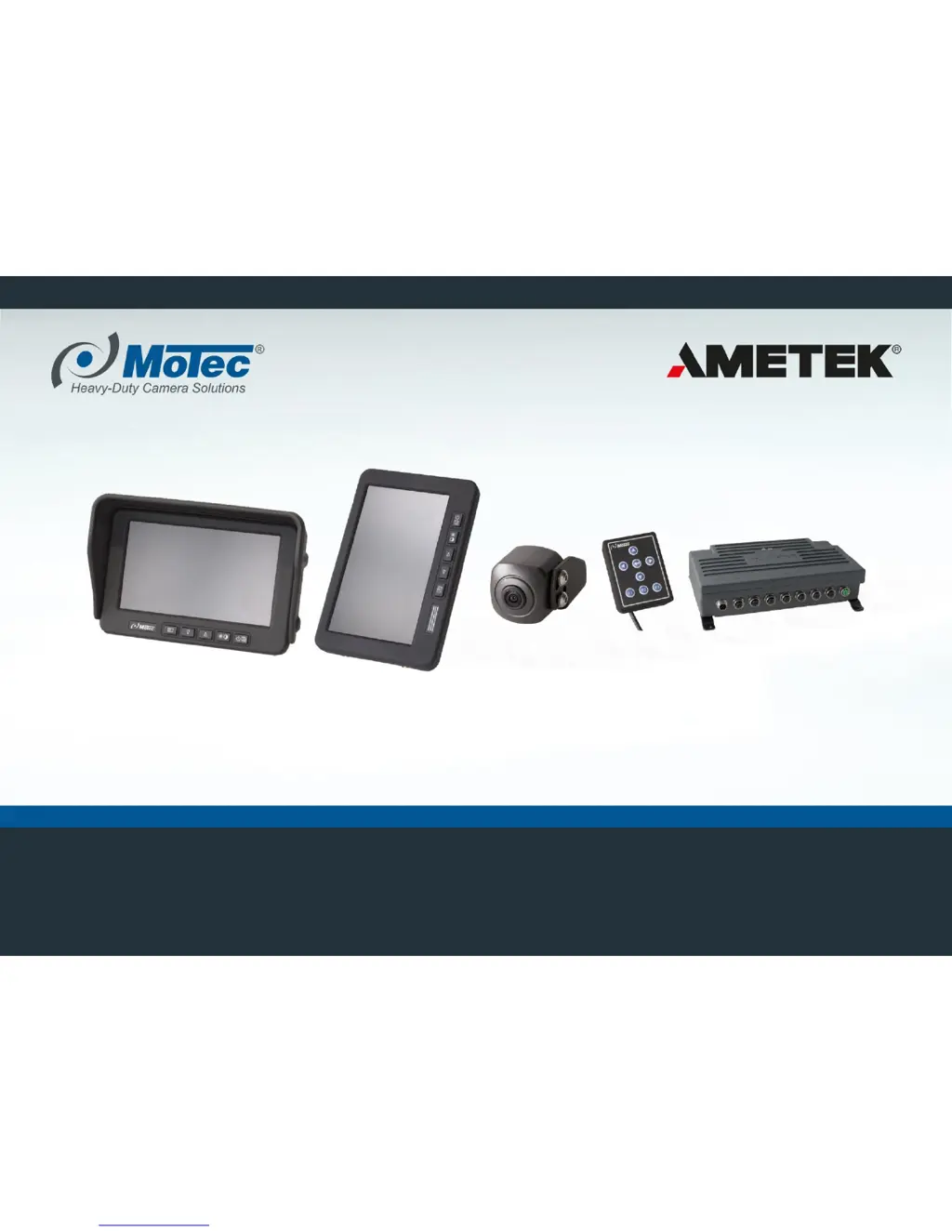
Mobile Vicinity Scout (MVS)
Operating instruction

Other manuals for Motec MVCD1000-x

Questions and Answers

  • C
    Chad AtkinsAug 17, 2025
    Why is my Motec MVCD1000-x system not starting?
    • M
      maxwellclarkAug 17, 2025
      The Motec Automobile Accessories system might not start due to several reasons: the power supply may not be turned on (turn it on and check/replace the fuse if needed), the power supply cable could be defective (replace the cable), or the video control unit itself might be defective (replace the video control unit).
  • M
    Michael RichmondAug 20, 2025
    What to do if the monitor displays a blue screen with Motec Automobile Accessories?
    • D
      Dawn YangAug 20, 2025
      A blue monitor screen with Motec Automobile Accessories typically indicates no video signal. Check the cable connection between the video control unit and the monitor, and replace any defective cables. Ensure the connector is tightly fitted by tightening the union nuts of the connector on the video control unit hand-tight and latching the flap into place on the side of the monitor. If this doesn't resolve the issue, the video control unit might be defective and needs replacement.
  • M
    Michael SolisAug 22, 2025
    What to do if the monitor display is not available and the green LEDs on the Motec Automobile Accessories video control unit are lit?
    • J
      jaimegrayAug 22, 2025
      If the green LEDs on the video control unit of your Motec Automobile Accessories are lit but the monitor display is unavailable, it could be due to loose connectors or a defective monitor cable (check the monitor cable and connector for damage or tight fit), a defective monitor (check monitor for function, replace if necessary), or a defective video control unit (replace video control unit).
  • T
    Tina WolfeAug 26, 2025
    What to do if the monitor display is not available and the green LEDs on the Motec Automobile Accessories video control unit are not lit?
    • S
      Stephanie MorrisAug 26, 2025
      If the monitor display is not available and the green LEDs on the video control unit of your Motec Automobile Accessories are not lit, the video control unit might not be activated. Activate the power supply.
  • G
    Gregory StevensAug 28, 2025
    Why does the entire image disappear temporarily on my Motec MVCD1000-x Automobile Accessories?
    • L
      Lisa BurnettAug 28, 2025
      A temporary disappearance of the entire image on your Motec Automobile Accessories likely results from a loose contact or defective cable. Check the cable connection between the video control unit and the monitor, and replace defective cables. Also, check the connector for a tight fit, tighten the union nuts of the connector on the video control unit hand-tight, and latch the flap into place on the side of the monitor.
  • G
    gmcleanAug 31, 2025
    Why is part of the image blue on my Motec MVCD1000-x Automobile Accessories display?
    • A
      Ashley RiddleAug 31, 2025
      If part of the image is blue on your Motec Automobile Accessories, the video signal of the affected camera might not be available on the video control unit (check the cable connection between the video control unit and the camera, replace defective cables, and check the plug connector for a tight fit) or the camera itself may be defective (replace the camera).
  • J
    Johnny McclureSep 2, 2025
    Why is the image blurred on my Motec Automobile Accessories?
    • T
      Tracy BurnsSep 2, 2025
      A blurred image on your Motec Automobile Accessories could be due to a protective film that hasn't been removed from the monitor or cameras (remove protective film) or because the cameras are dirty (carefully clean the cameras with plenty of water and a soft cloth, being cautious to avoid scratching).
  • C
    Candice KingSep 5, 2025
    Why is part of the image shaking in the top view on my Motec MVCD1000-x Automobile Accessories?
    • M
      Mitchell AllenSep 5, 2025
      If part of the image is shaking in the top view on your Motec Automobile Accessories, the attachment of the affected camera might be loose. Check the camera bracket for a tight fit.
  • J
    jgarzaSep 8, 2025
    Why is the top view partially shifted on my Motec Automobile Accessories?
    • V
      Victoria JacksonSep 8, 2025
      If the top view has partially shifted on your Motec Automobile Accessories, the camera(s) might not be correctly aligned, or the adjustment is off. Re-align the camera(s) and re-calibrate the system.
  • P
    Pamela CabreraSep 12, 2025
    Why are objects in the detection range of the ultrasonic sensors not shown on Motec Automobile Accessories?
    • C
      Chelsea HansenSep 12, 2025
      Here are a few reasons why objects in the detection range of the ultrasonic sensors might not be displayed on your Motec Automobile Accessories: * Incorrect alignment of the sensors (check and correct alignment). * Evaluation unit of MVCU1300 defective. * Cable connection or sensor defective (check cable connection and plug connector; replace defective sensors with identical types). * No CAN connection between MVCU1300 and video control unit.

Summary

Safety and Intended Use

Safety Introduction

Provides safety aspects for personnel and product use from installation to disposal, highlighting hazards of non-compliance.

MVS System Purpose

A driver assistance system offering 270°/360° panoramic view for safe maneuvering of heavy-duty vehicles.

Operator Safety Obligation

The driver is responsible for safe operation, especially when personnel are in the danger zone.

Usage Restrictions and Misuse

Prohibited Operations

Covers inappropriate use, system modifications, bypassing safety devices, and using defective components.

System Limitations

MVS is not suitable for personal protection according to specific machine safety standards.

Foreseeable Misuse Scenarios

Includes operation by unqualified personnel, improper installation, and non-compliance with maintenance.

Residual Risks and Limitations

Conditions Leading to Risks

Risks arise from improper use, modifications, untrained operators, and inadequate maintenance.

Specific Hazard Considerations

Highlights electrical hazards, risks in narrow spaces, improper handling, and non-compliance with guidelines.

Component Labels and Operator Duties

Company and User Obligations

Outlines responsibilities for safe operation, fault detection, training, and correct product utilization.

Personal Protective Equipment (PPE)

Mandates wearing PPE for work on system components or vehicle, citing risks of injury or death from non-compliance.

System Description and Capabilities

System Architecture Overview

System Components Details

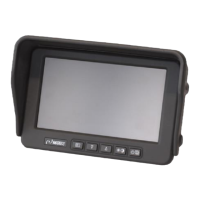
Monitor Options

System Operation

System Activation

Instructions for turning on the vehicle ignition to boot and display the system image.

Pre-Operation Checks and Responsibilities

Emphasizes driver's responsibility, visual inspection, functional test, and actions in poor visibility conditions.

Ultrasound Sensor Functionality

Troubleshooting Hardware

System Startup Issues

Addresses problems like system not starting or monitor display not available, with causes and corrective actions.

Troubleshooting Operational Malfunctions

Monitor Display Problems

Covers issues like blue monitor screen, entire image disappearing, or part of the image turning blue.

Troubleshooting Ultrasound Sensors

Maintenance and Cleaning

Safety During Maintenance

Highlights high voltage risks and the necessity of switching off the power supply before cleaning.

Motec MVCD1000-x Specifications

General IconGeneral
CategoryAutomobile Accessories
TouchscreenYes
BluetoothYes
Wi-FiYes
GPSYes
USB Ports2
Expandable StorageMicroSD
Power Supply12V DC

Related product manuals