Docking Station 3
Mounting to a cart or mounting arm
Mounting the Docking Station to a cart or mounting arm requires
a VESA-compatible mount to interface with the 75 mm VESA hole
pattern on the bottom of the Docking Station.
For information about viewing angles of the Docking Station, see
“Setting the viewing angle” on page 8.
To mount the Docking Station
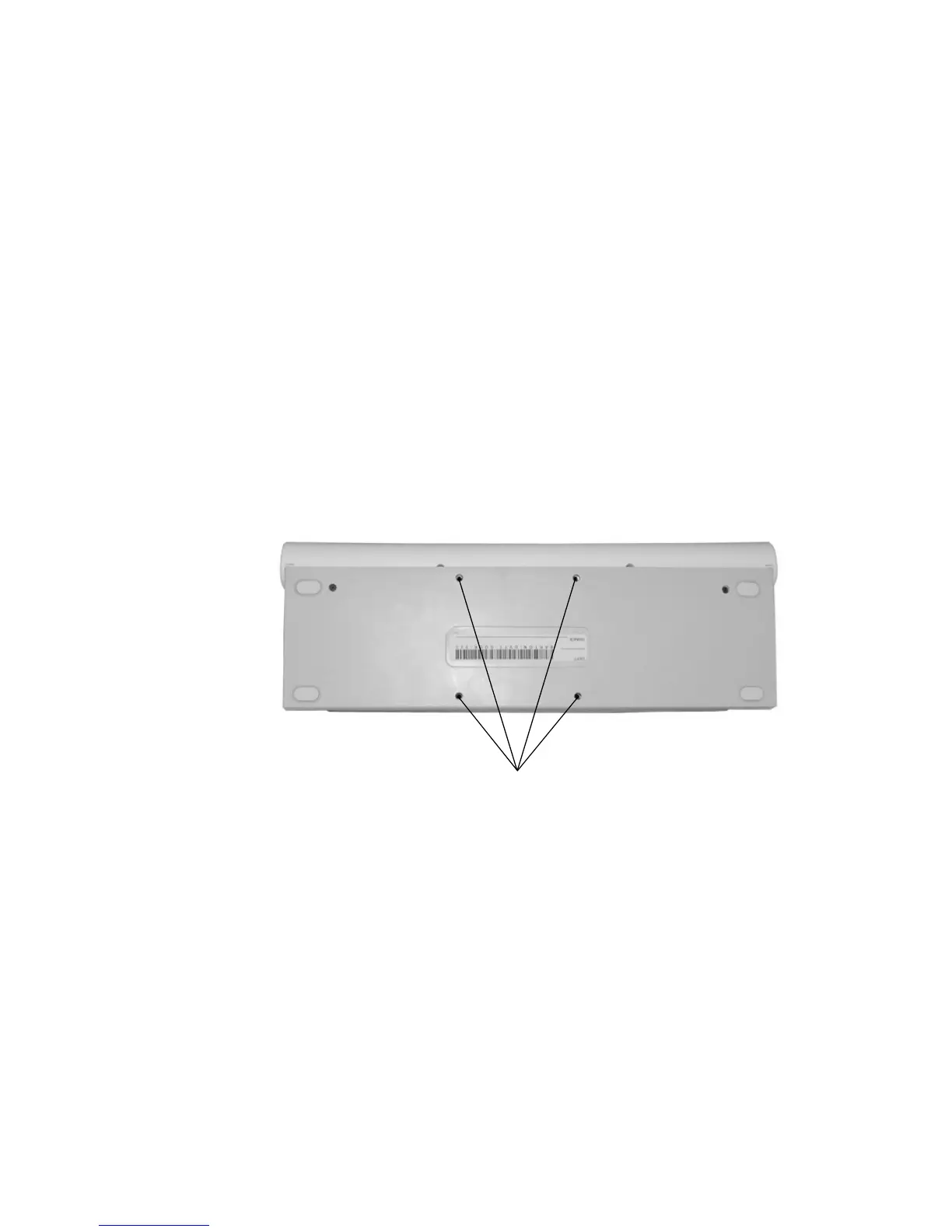
1. The Docking Station has four 75 mm VESA-compatible
mounting holes. For specific mounting requirements for your
wall mount, mounting arm, or cart, refer to your mounting
equipment instructions.
2. If using a VESA mount, fasten the Docking Station to the VESA-
compatible equipment with four M4 screws, 12 mm maximum
length.
VESA mounting holes on the bottom of the Docking Station



 To Next Page