6Docking Station
Using the Docking Station
After you have mounted the Docking Station and attached
peripherals, you can use the Docking Station to enhance the
performance of your tablet.
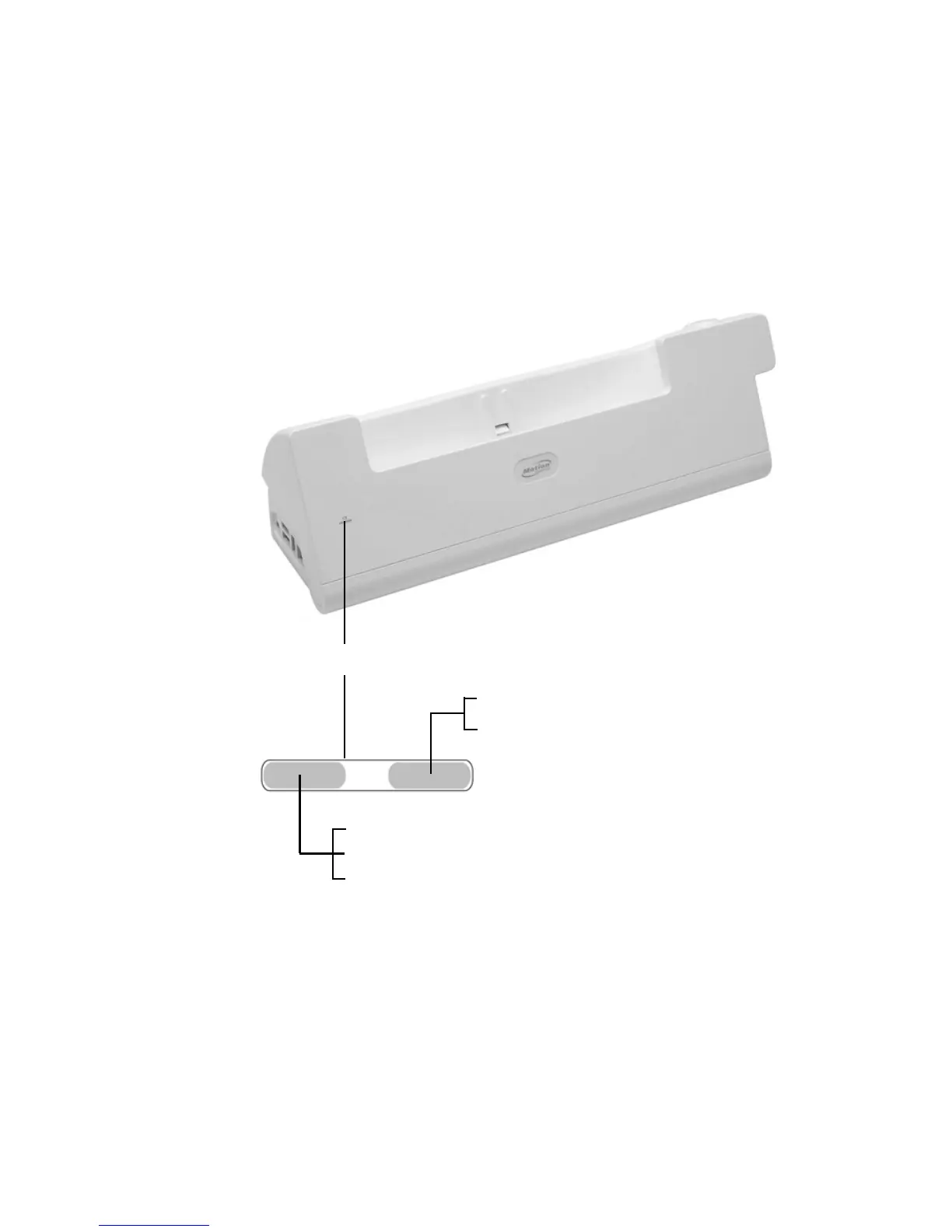
Reading the status lights
The lights on the front of the Docking Station indicate its status.
Green: Tablet is docked
Off: Tablet is not docked
Amber: Spare battery in battery bay is charging
Green: Spare battery is charged
Off: Spare battery is not docked
Status lights



 To Next Page