Docking Station 5
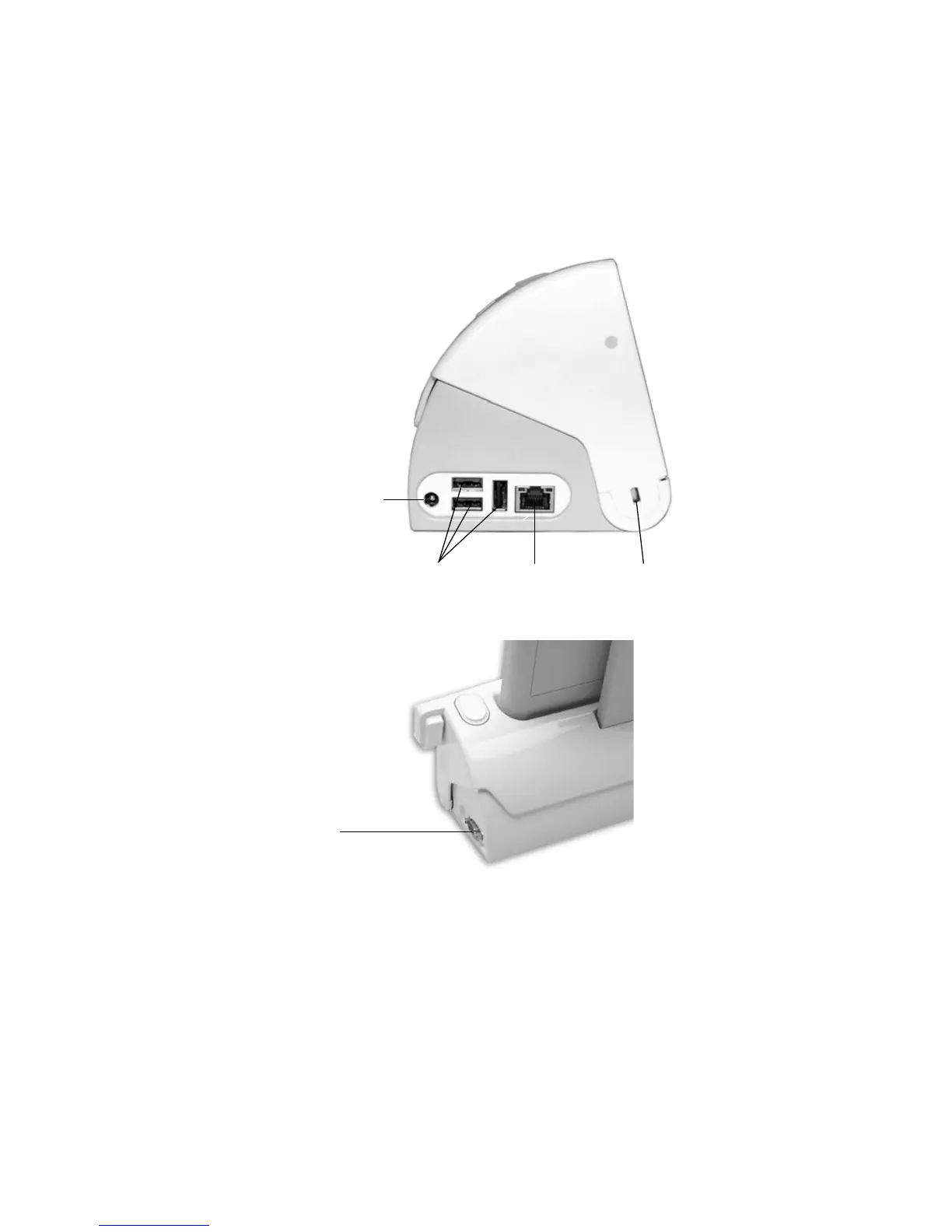
2. Connect peripherals such as a keyboard or mouse to the USB
ports.
Note: The ports on the Docking Station can be powered by the
tablet’s battery or by AC power.
3. If desired, secure the Docking Station using a Kensington-style
lock in the security slot. For more information, see “Locking
the Docking Station” on page 9.
USB ports
Ethernet port
AC power port
Security slot
VGA port



 To Next Page