Docking Station 9
Locking the Docking Station
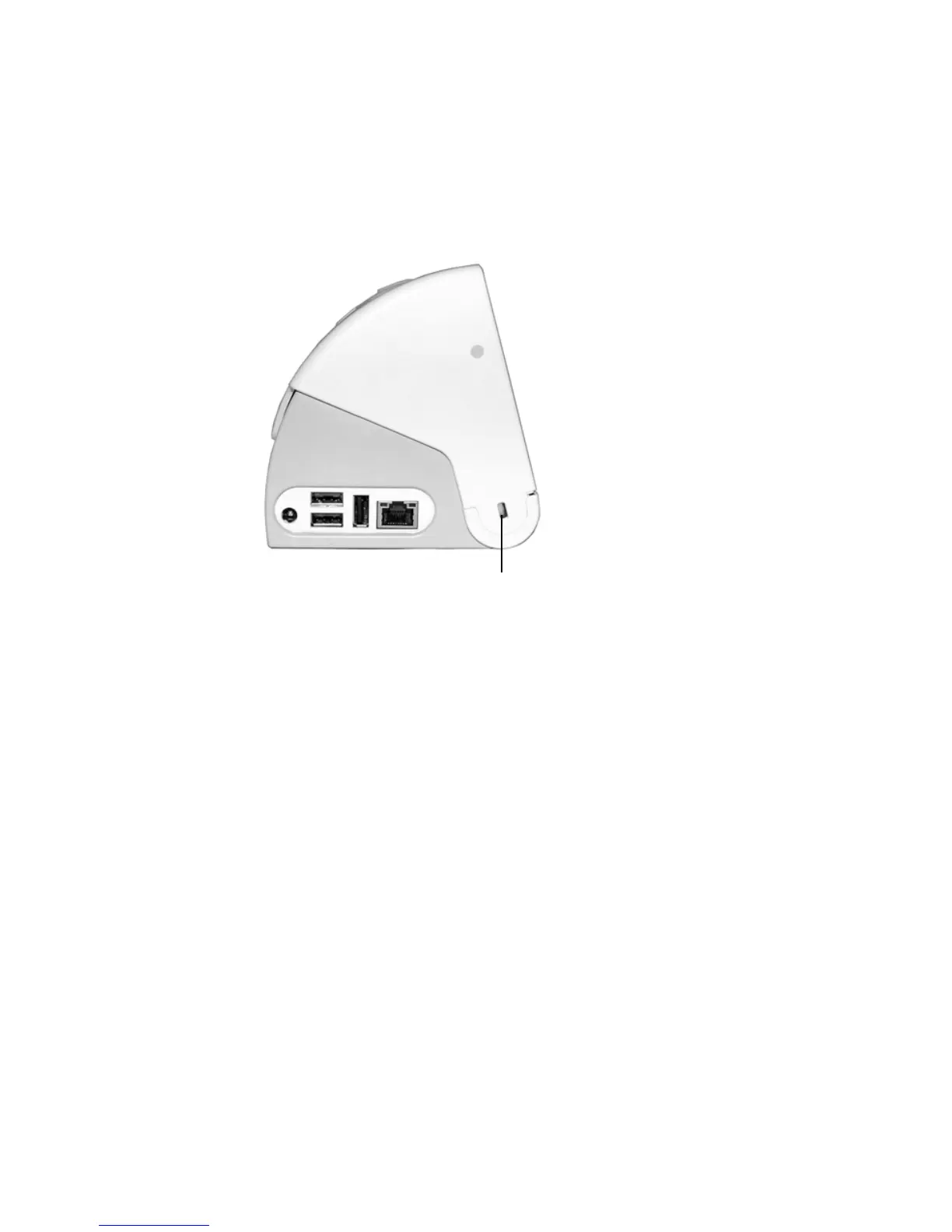
The security slot locks the Docking Station only, not the tablet.
To lock the Docking Station
1. Locate the security slot on the Docking Station.
2. Open and place your lock in the security slot.
3. Attach the lock cable to a desk, cart, or other fixture. Secure
the lock and lock cable according to the manufacturer
instructions. Depending on the type of lock, you may need to
loop, connect, or place a lock through the cabling.



 To Next Page