7
8
7.1
8.1
MOTION CM-09/10 ELECTRONIC TUBULAR MOTOR
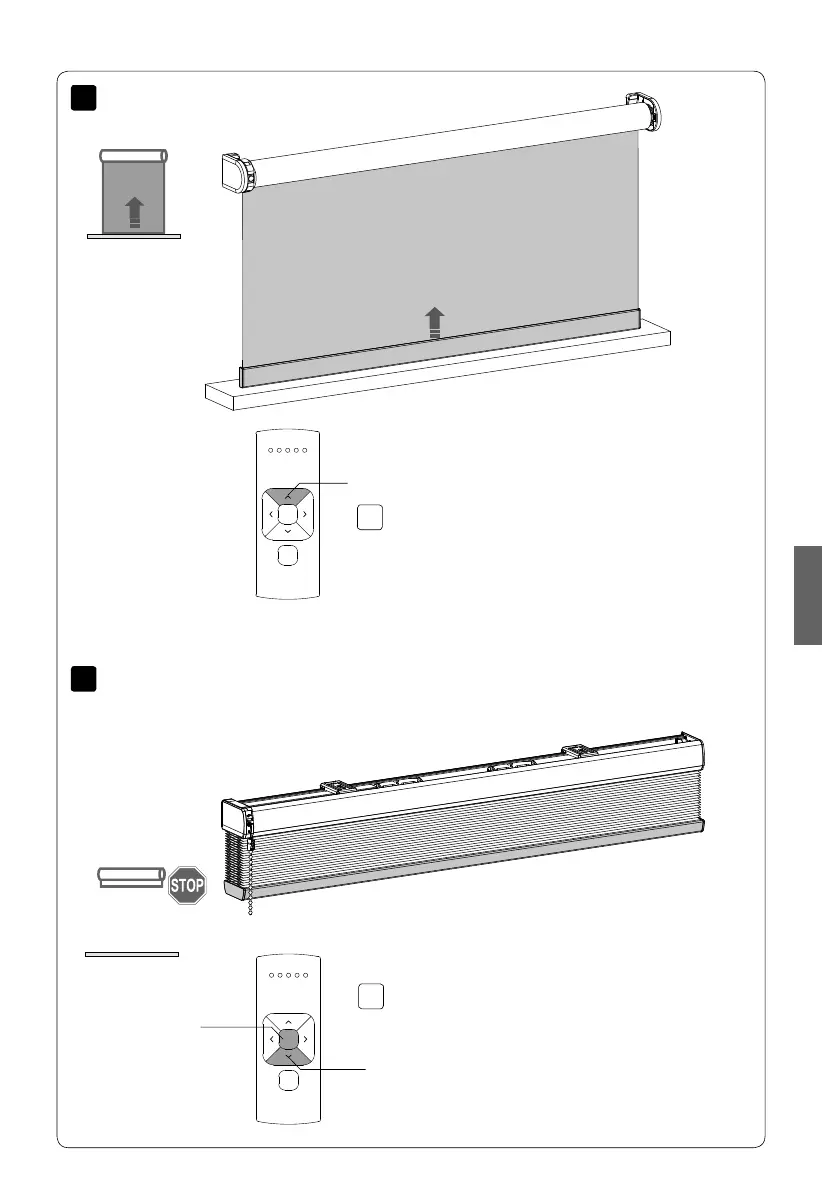
Set top position
Down
Centre
Press and hold the up button until the blind
reaches the desired top position.
WARNING: Risk of damage.
Slowly approach the top position.
Simultaneously hold the centre and the down
button until the blind stops stepping and
starts stepping again.
The top position has been saved.
Up
EnglishEnglish



 To Next Page