14.2
14.1
13.1
13.2
13.3
13.4
13
14
MOTION CM-09/10 ELECTRONIC TUBULAR MOTOR
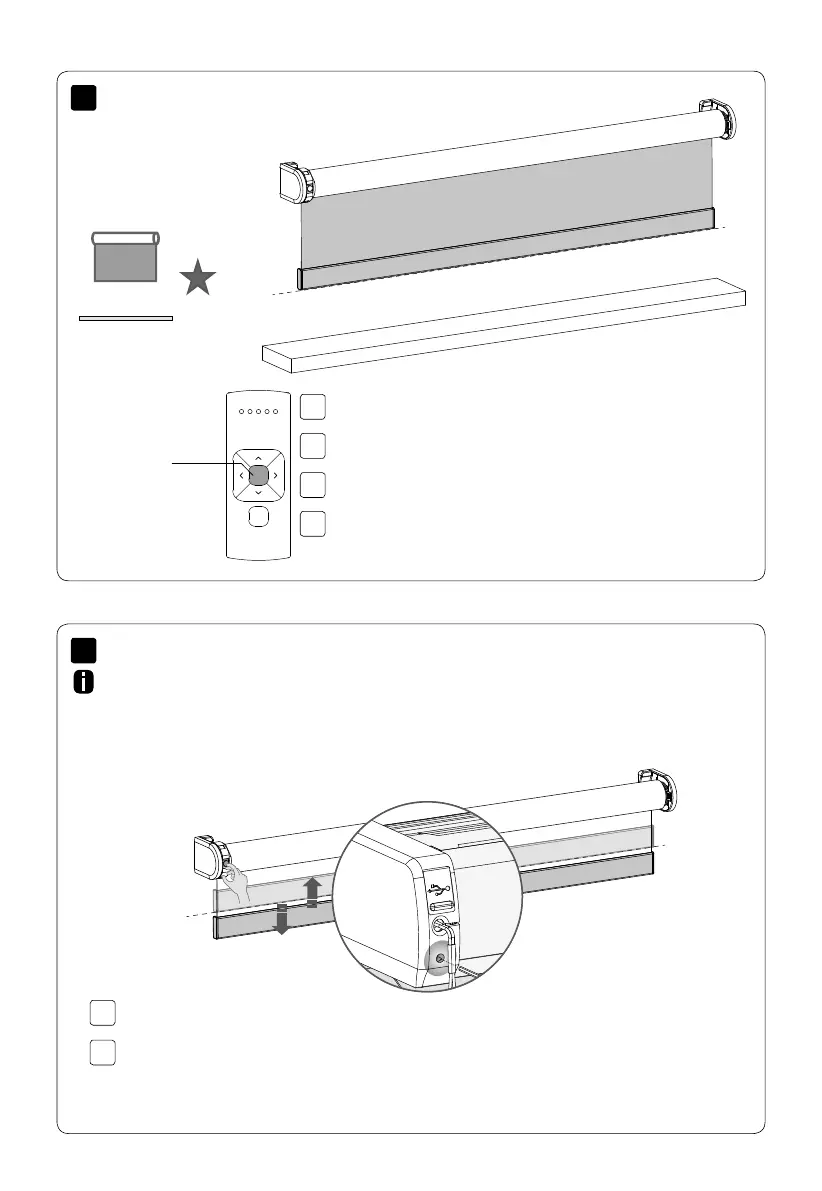
Move the blind to a desired favourite position.
Press the program button on the motor to activate
program mode. The blind starts stepping.
Hold the centre button to save this favourite position. The blind shortly
stops stepping indicating the favourite position has been saved succesfully.
Press the program button on the motor to de-activate
program mode. The blind stops stepping.
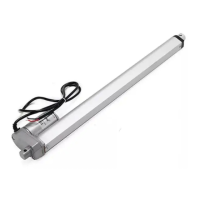
Press the program button on the motor to activate
program mode. The blind starts stepping.
Hold the program button until the blind stops stepping (approximately 5 seconds)
to de-activate or re-activate direct control.
When pressing the up or down button on the remote control the blind directly moves to
its end positions (direct control). To operate the blind with smaller steps using the up and
down button, direct control can be de-activated. Now, the blind only directly moves to its end
positons when the up or down button is held longer than two seconds.
Centre
Reset favourite position
De-activate direct control



 To Next Page