14
13
5 s
7 s
10
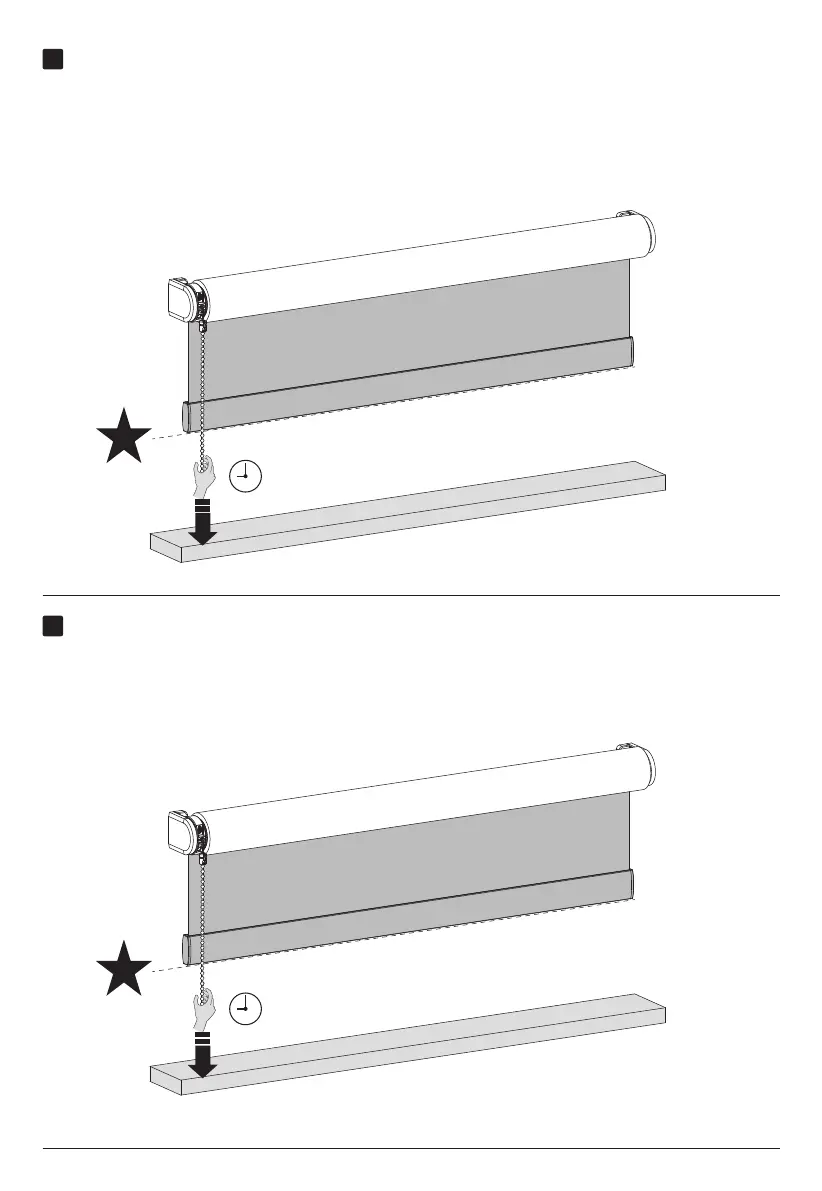
Control your blind to favorite position
When your blind is not positioned at the favorite position hold the pull for 5 seconds and your
blind will move to it’s favorite position.
Save the favorite position
When there is no favorite position programmed you need to position your blind at your
favorite position. When the blind is at your favorite position hold the pull until the blind
steps up and down once .(Approximately 7 seconds)



 To Next Page