2 x
15
7 s
11
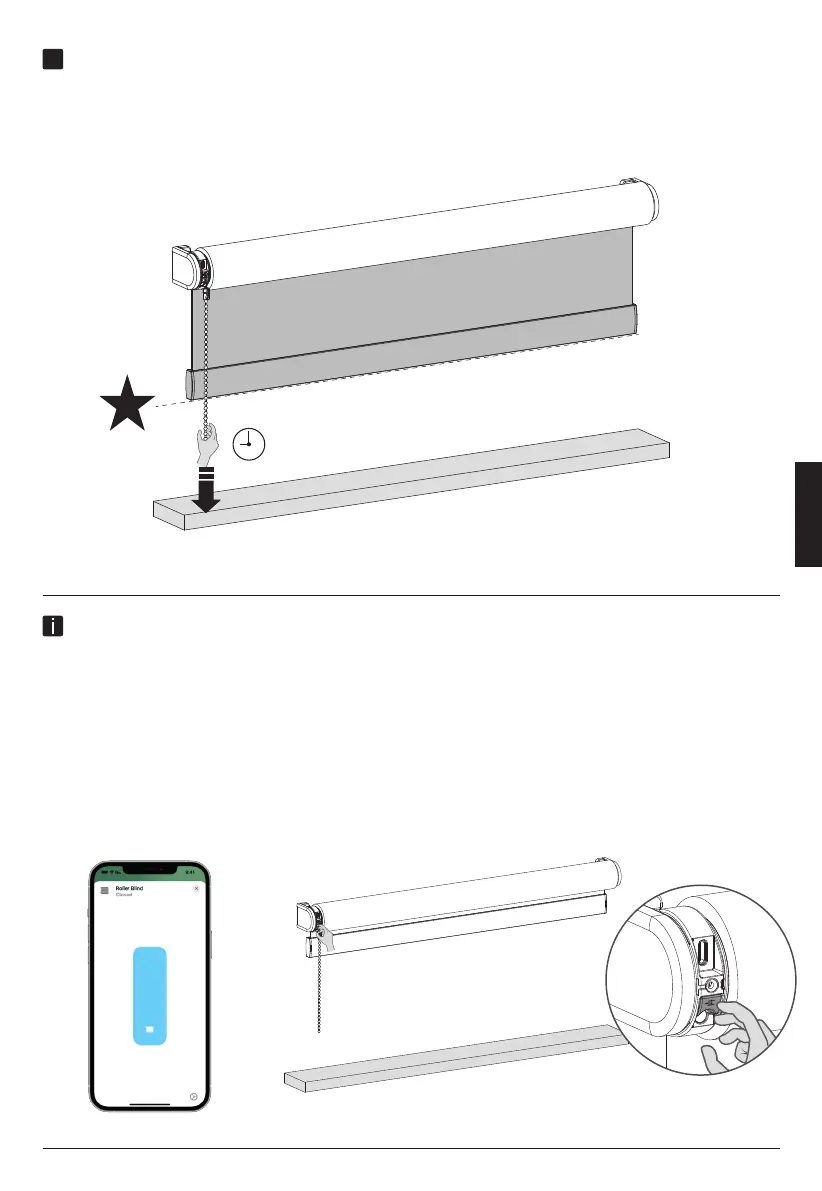
Save a new favorite position
To remove your previous favorite position you need to place your blind at
your current favorite position. (Step 10) Then Hold the pull until the blind
steps up and down once. (Approximately 7 seconds) Your favorite position
is now removed. Follow step 9 to set your new favorite position.
Change direction of rotation
If the position of the blind in the app is opposite to your blind, change the direction of rotation
by pressing the End Position button twice within one second.
ENGLISH



 To Next Page