1234-567-8901
1234-567-8901
1234-567-8901
3
4
5
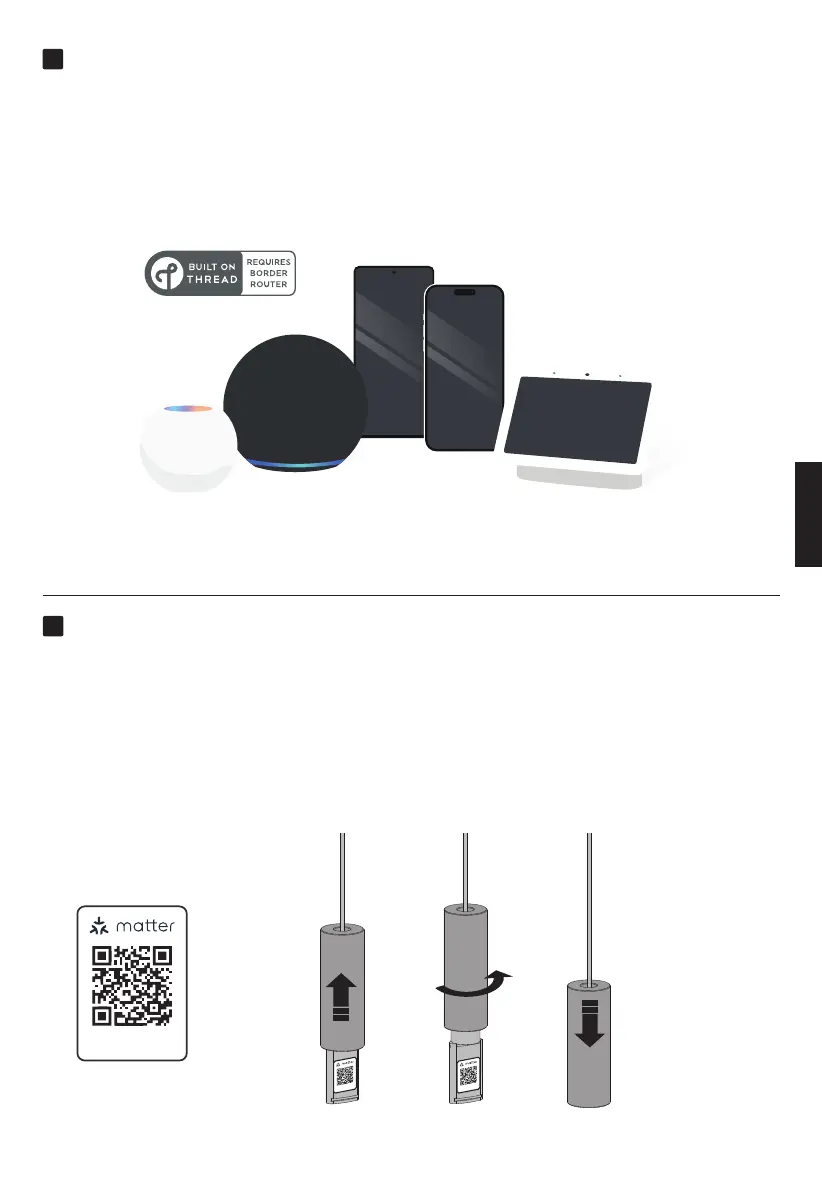
Add Eve MotionBlinds to your platform
Add Eve MotionBlinds to the platform of your choice and make sure to
have a compatible Thread Border Router.
More information : motionblinds.com/eve/matter
Now you can easily add Eve MotionBlinds to your smart home in just a few steps by scanning
the Matter Setup Code using the app of your favorite platform. Scan the Matter Setup Code
to add it your platform.
Eve MotionBlinds needs end positions to work properly. End positions can be programmed in
two ways. In the Eve app or by the end position programming button on your blind. (Step 5)
After scanning you can hide your Matter Setup Code.
Setup the blind
ENGLISH



 To Next Page