Need help?
Do you have a question about the Motocaddy M5 CONNECT and is the answer not in the manual?
Outlines operational safety, prohibiting misuse and advising against alcohol consumption.
Details proper charging, usage of Motocaddy chargers, and battery storage conditions.
Step-by-step guide for charging the lithium battery, including connection and LED indicators.
Explains the Battery Management System (BMS) for protection against abuse, deep discharge, and overcharge.
Instructions for correctly attaching the left and right wheels using quick release mechanisms.
Procedure to realign the front wheel using adjustment dials to ensure the trolley tracks straight.
Step-by-step instructions for unfolding the trolley, including handle and latch mechanisms.
Instructions for folding the trolley, including latch operation and auto-open stand management.
Instructions for using the EASILOCK™ system and standard straps for the lower bag.
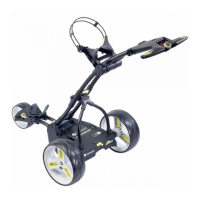
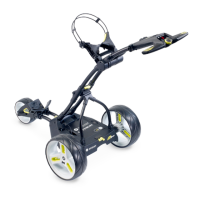
Diagram and list identifying key components of the M1 trolley model.
Instructions for starting, stopping, and adjusting the speed settings on the M1 trolley.
Instructions for activating and releasing the electronic parking brake on DHC models.
 General
| Type | Electric Golf Trolley |
|---|---|
| Connectivity | Bluetooth |
| Battery | Lithium |
| USB Charging Port | Yes |
| Motor Power | 230W |
| Voltage | 28V |
| Display | LCD Display |
| Material | Aluminum |
| Features | Distance Measurement, Smartphone Notifications, Distance Control |
| Max Distance | 36 holes |
| Wheels | All terrain |
| Terrain | All-terrain |


 To Next Page