MOTORGUIDE WIRELESS
90-MM5981 For Questions, Contact Consumer Affairs at #1-920-929-5040 20
© 2005, MotorGuide www.motorguide.com
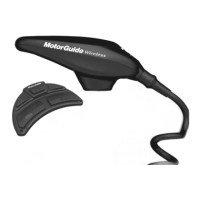
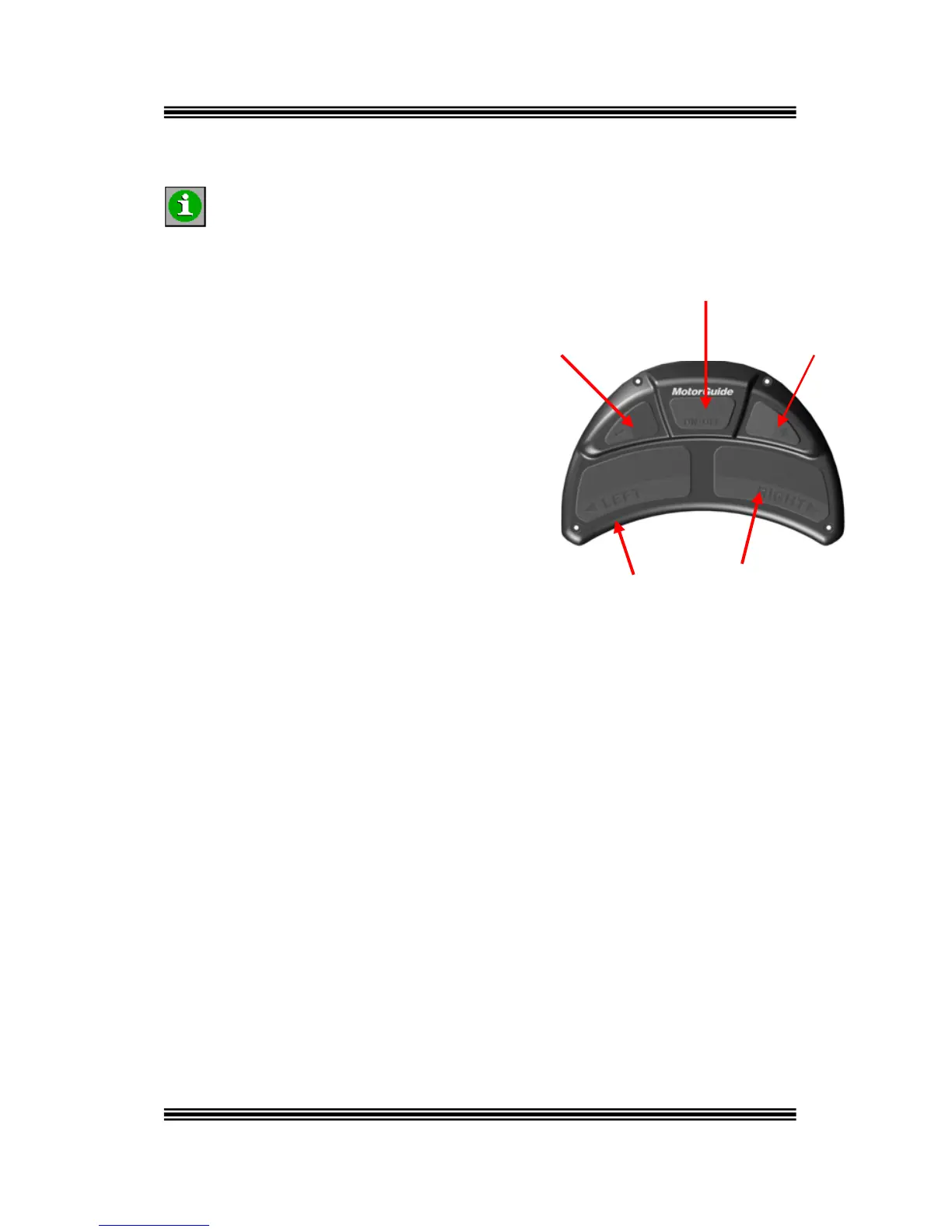
On/Off Button
Faster Button Slower Button
Left Button Right Button
Ope i
nsure the foot-pedal electronic ID has been the “Installation”
ection of this manual for instructions.
. Prop On/Off
Turn the prop on or off by pressing the
center button and it will alternate
between on and off. The “on” condition is
indicated by a short beep while “off” is
indicated by a long beep.
. Steering: Pr ns to steer the boat. Each
button press steers the motor left or right one tep; holding down a button
of the selected arrow.
rol the t
sound each time the + or – buttons are pushed. Holdi
will rapidly speed-up or slow-down the motor until it re
maximum speed; once at the limit, the receiver will no
you press a button.
rat ng the Foot-Pedal
E
INFORMATION
activated. See
s
1
2 ess the left or right arrow butto
s
will rapidly steer the motor in the direction
3. Speed: Use the + and – buttons to cont mo or speed, a beep will
ng the button down
aches minimum or
longer beep when


 To Next Page
 Loading...