EasyManua.ls Logo

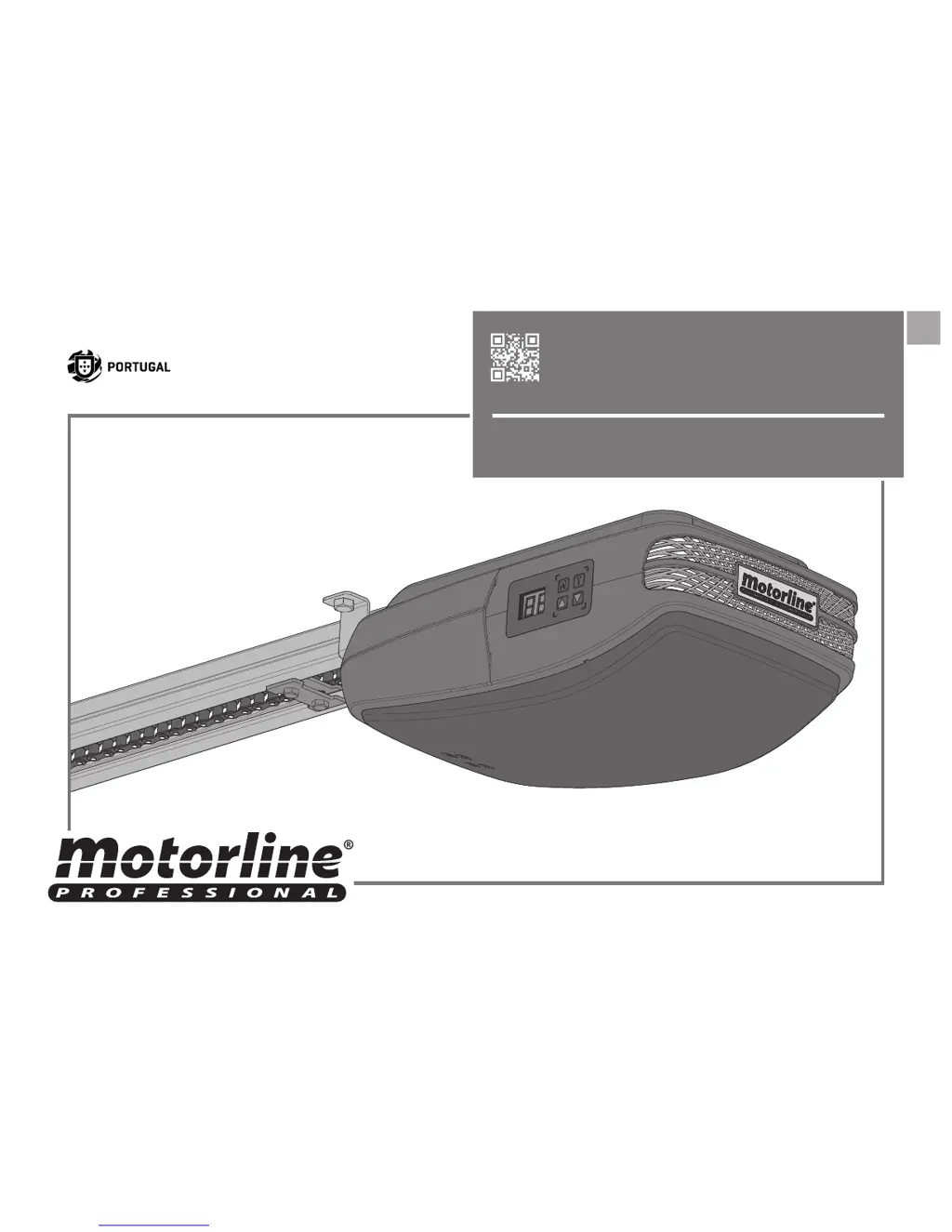
Motorline professional ROSSO EVO - User Manual

Motorline professional ROSSO EVO
18 pages
Print Icon
To Next Page IconTo Next Page
Loading...
v4.0
REV. 05/2018
EN
USER'S AND INSTALLER'S MANUAL
ROSSO EVO

Questions and Answers

Summary

Safety Instructions and Standards

General Safety Standards and Reference

Follow all safety instructions for proper use and future reference.

Product Package Contents and Specifications

Package Contents List

List of components included inside the product package.

ROSSO EVO Technical Specifications

Detailed ratings for ROSSO EVO models: power, force, temperature, and protection.

Automatism Operation and Cover Maintenance

Manual Brake Release Procedure

Instructions for unlocking and locking the motor mechanism.

Replacing the Top Motor Cover

Step-by-step guide for reattaching the motor housing cover.

Component Maintenance and Installation Preparation

Replacing LEDs and Fuse

Procedures for replacing internal LED boards and fuses in the unit.

Pre-Installation Checks and Parameters

Essential checks and parameters to consider before installing the automation system.

Rail and Motor Installation Procedures

Fixing Motor to Rails

Steps for attaching the motor to steel and aluminum rails.

Rail to Lintel Installation

Guidance on attaching the rail support plate to the lintel.

Automatism Installation and Door Connection

Ceiling Rail Mounting

How to fix the ceiling rail's fixation plate and reinforce the motor attachment.

Door Panel Connection Assembly

Attaching connecting rods between the trolley and the door panel.

Installation Map and Component Legend

Installation Map Overview

Diagram illustrating the complete installation setup of the system.

Installation Map Legend

Key for identifying components shown in the installation map diagram.

Programming the Automatism System

Programming Menu and Legend

Overview of the control board's display, buttons, and menu structure.

Follow Me Function Programming

Setting the automatic closing delay after passage detection.

Automatism Programming Functions

Opening and Closing Course Setup

Configuring the automation's travel limits for opening and closing operations.

Safety Photocell Configuration

Enabling or disabling safety photocells for obstacle detection during operation.

Self-Closing Feature Setup

Setting the delay time for automatic gate closure after opening.

Advanced Programming Settings

Condominium Function Control

Enabling/disabling the function that ignores opening orders.

Maintenance Warning Configuration

Configuring alerts for scheduled maintenance based on usage.

Transmitter Programming and Maneuver Count

Methods for programming transmitters and viewing maneuver counts.

Transmitter Management and Deletion

Service Door and Photocell Programming

Configuring system based on service door status or photocell interruptions.

Standard Transmitter Configuration

Steps to configure transmitters using the T key interface.

Deleting All Configured Transmitters

Procedure to delete all previously programmed transmitters from memory.

Post-Installation Adjustments and Maintenance

Opening Stopper Installation

How to install a stopper on the rail for correct opening limit.

Rail Chain Adjustment

Adjusting chain tension for optimal automatism function.

Regular Maintenance Schedule

Recommended lubrication schedule for automatism and rail components.

Diagnosis and Power Supply Testing

Connecting Motor to 24 V Battery

Testing the motor by connecting it directly to a 24V DC power source.

Control Board Error Troubleshooting

Control Board Error Map and Solutions

Explains common error codes, causes, and solutions for the control board.

Comprehensive Troubleshooting Guide

Consumer Troubleshooting Steps

Basic troubleshooting steps for end-users to identify and resolve issues.

Technical Personnel Diagnostic Steps

Advanced diagnostic procedures for qualified technicians.

Central Control Board Connections

Control Board Wiring Diagram

Detailed wiring diagram for all control board connections.

Motorline professional ROSSO EVO Specifications

General IconGeneral
Encoder TechnologyYes
Limit Switch TypeElectronic
Courtesy LightYes
Remote ControlYes
Lifting Capacity150 kg
Power Supply230 V AC
Speed0.2 m/s
Motor TypeDC

Related product manuals