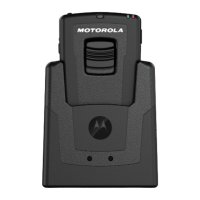
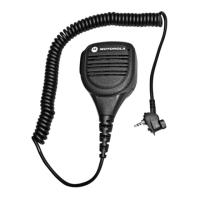
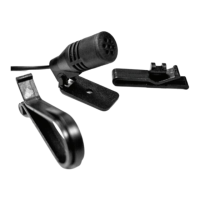
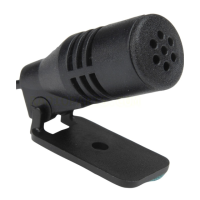
WM500 WIRELESS REMOTE SPEAKER MICROPHONE
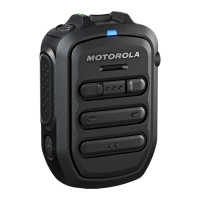
PRODUCT OVERVIEW
Note:
* Optional Status Messaging (OSM) require pre-configuration in the
WAVE Application.
* Answer/reject/end call and microphone mute functionalities are not
applicable for the radios.
* More programmable functions may be added on the WAVE application
in the future. Refer to Kodiak User Guide for details.
No.
DESCRIPTION
1 Volume toggle
2 Power Indicator
3 Power button
4
Push-To-Talk (PTT) button
PTT call can be either transmitted to a talkgroup
or individual user
5
Multifunction (MFB) Button
Available multiple functions:
● To change language/tone in disconnected state
● To answer telephone calls upon incoming telephone call
● To reject telephone calls upon incoming telephone call
● To end telephone calls upon ongoing telephone call
● To mute/unmute microphone while call
(Kodiak/telephone call) is active
Note: The MFB button is not available for TLK series
6
P1 button
Function configured on the host or the WAVE application.
WAVE default function: WAVE OSM
7
P2 button
Function configured on the host but not the WAVE application.
WAVE default function: Channel Down
No.
DESCRIPTION
8
P3 button
Function configured on the host but not the WAVE application.
WAVE default function: Channel Up
9
P4 button
Function is set by the host:
Function configured on the host or the WAVE application.
WAVE default function: WAVE OSM
10 Audio/Bluetooth Indicator
11 Emergency button
12 Microphone
13 Speaker
14 Charging port
15 NFC Location
16 Audio Jack


 To Next Page
 Loading...