22 Wi-Fi® Internet Viewing
5.3.4 Add the Camera to your account
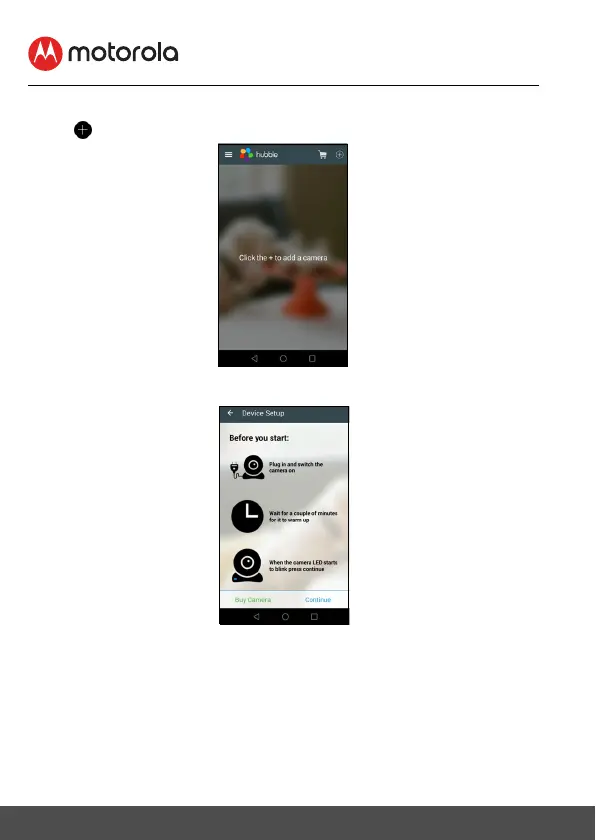
• Tap on the top right corner of the screen to add camera. (Picture A2)
• The following setup instructions will appear on the screen. (Picture A3)
• Plug in and switch on the camera, and wait for a couple of minutes for it to
warm up.
• Tap
Continue
when the Camera LED starts to blink.




 To Next Page