6 Getting to know your phone
BATTERY LOW WARNING
If the icon flashes in the display, you will need to recharge the handset before you can use it
again.
During charging, the icon will scroll in the display.
BATTERY PERFORMANCE
In ideal conditions, fully charged batteries should give about 10 hours talk time or 100 hours
standby time on a single charge.
Note that new batteries do not reach full capacity until they have been in normal use for several
days.
To keep your batteries in the best condition, leave the handset off the base for a few hours at a
time.
Running the batteries right down at least once a week will help them last as long as possible.
The charge capacity of rechargeable batteries will reduce with time as they wear out, giving the
handset less talk/standby time. Eventually they will need to be replaced.
After charging your handset for the first time, subsequent charging time is about 6–8 hours a day.
Batteries and handset may become warm during charging. This is normal.
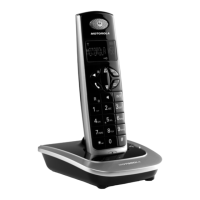
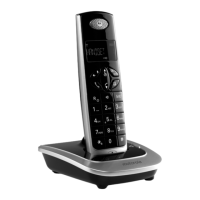
Setting up your D701
Welcome screen
1.
WELCOME
is displayed and scrolls in different languages. Press m. The country name is shown
on the display.
2.
Scroll u or d to your country and press m.
CONFIRM?
is displayed.
3.
Press
OK
to confirm.
The handset and base will reset to load the correct settings. The standby screen is then
displayed and your phone is ready to use.
You can still make and receive calls without first selecting your country and network operator,
however the Welcome screen will re-appear until you have configured your phone country settings.
Date and time
Providing you have subscribed to your network’s Caller Display service, the date and time is set
automatically for all handsets every time a call is received.
If you do not have a Caller Display service you can set the date and time manually.
Set date and time manually
1.
Press m and scroll d to
CLOCK/ALARM
. Press m. Display shows
DATE & TIME
, then press m.
2.
Enter the date using the format
DD/MM
e.g.
04/ 08
for 4th August.
3.
Press m and enter the time using the 24 hour format
HH:MM
,
e.g. 14:45 for 2.45pm.
4.
Press m to confirm or > to return to standby.
Your D701 is now ready for use.
2. Getting to know your phone
Overview of your handset
D701_IFU_EN_for_EU.book Page 6 Friday, August 24, 2007 5:19 PM


 To Next Page
 Loading...