QUICKSTART GUIDE | DOCKCONTROLLER DC-200 11
CONFIGURING YOUR DOCKCONTROLLER DC-200
USING A USB MASS STORAGE DEVICE
VideoManager oers a configuration tool in its browser-based application. To generate a configuration for your DockController:
• Navigate to the Devices tab.
• Select the DockControllers pane.
• Click Advanced
• Click Generate DockController Config.
• Enter the relevant details, and click Generate.
Once the file is generated, it will be sent to your browser’s default
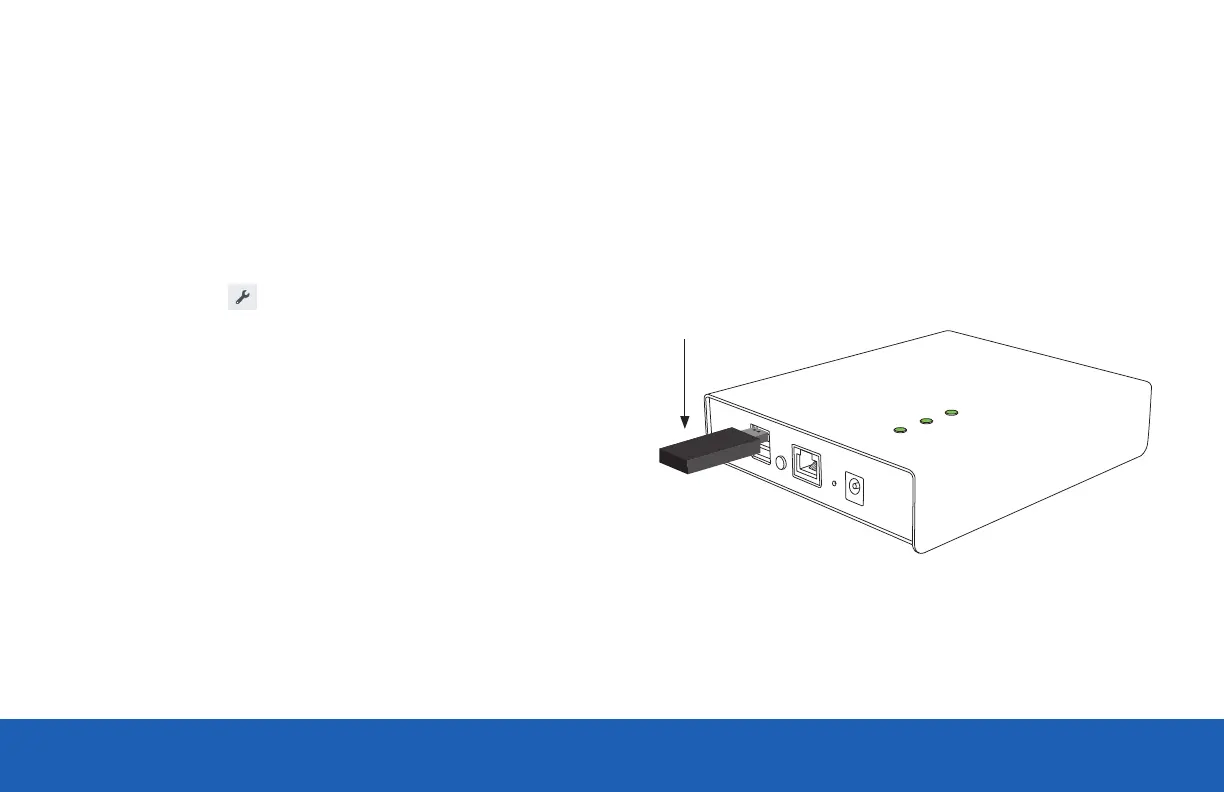
download location. It should then be copied to the root level of a memory
stick, which should then be connected to a DC-200.
The DC-200 should automatically restart in Configured Mode, and when all
three lights are solid, the memory stick can be removed.
PLEASE NOTE: USB Mass Storage must be formatted in FAT32.
USB
Memory Stick


 To Next Page