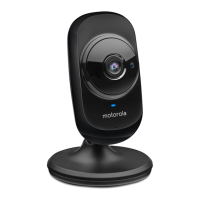
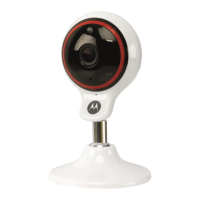
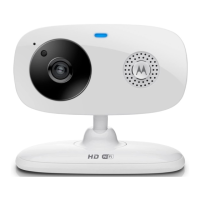
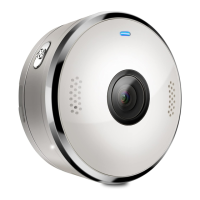
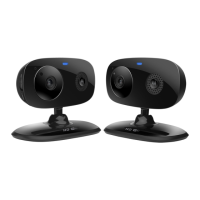
1. Power / Status indicator
2. Microphone
3. Light Sensor (for night mode
detection)
4. Camera Lens
5. Infrared LEDs (for night vision)
6. Speaker
7. ON/OFF Switch
8. Temperature Sensor
9. Micro USB socket
10. PAIR Button
Overview of your Camera
Important guidelines for installing your Wi-Fi
®
Camera Unit
• Use of other 2.4 GHz products, such as other wireless networks, Bluetooth
®
systems or microwave ovens may cause interference with this product. Keep
the Wi-Fi
®
Camera Unit away from these types of products, or turn them off if
they appear to be causing interference.
• Always ensure that you have a good Wi-Fi
®
connection available.


 To Next Page
 Loading...