Safety Instructions 5
ENGLISH
1. Safety Instructions
WARNING:
STRANGULATION HAZARD - In case this unit is being used to monitor
infants or children, keep the unit and adapter cord more than 1 metre away
from the cot and out of their reach. Never place the Camera or cords
within a cot or near a bed. Secure the cord away from children's reach.
Never use extension cords with AC Adapters. Only use the AC Adapters
provided.
As with any electrical device, supervision of your pet's usage should be
exercised until your pet is acclimated to the product. If your pet is prone to
chewing, we strongly recommend you keep this and all other electrical
devices out of its reach.
Wi-Fi
®
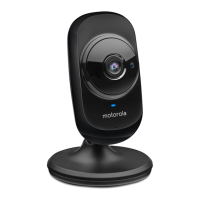
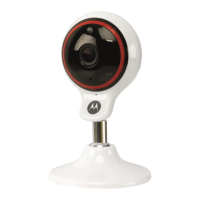
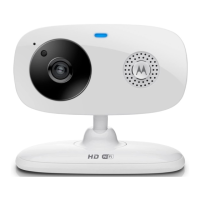
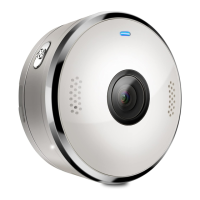
CAMERA UNIT SETUP & USE:
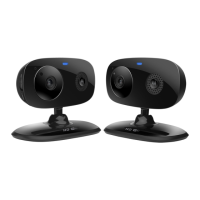
•Place the Wi-Fi
®
Camera Unit on a flat surface, such as a chest of
drawers, desk, shelf or wall-mount it using the keyhole slot in the Camera
base.
• NEVER place the Wi-Fi
®
Camera Unit or cords within the cot.


 To Next Page
 Loading...