Getting started
7
4. Once the installation is complete, place the photo
frame on a stable surface to avoid any possible
movement.
1.1.2 Portrait position
To place the photo frame in portrait position, follow the steps
below to install the stand.
1. Hold the photo frame in portrait position.
2. Attach the stand to the stand locking slot on the back of
the photo frame.
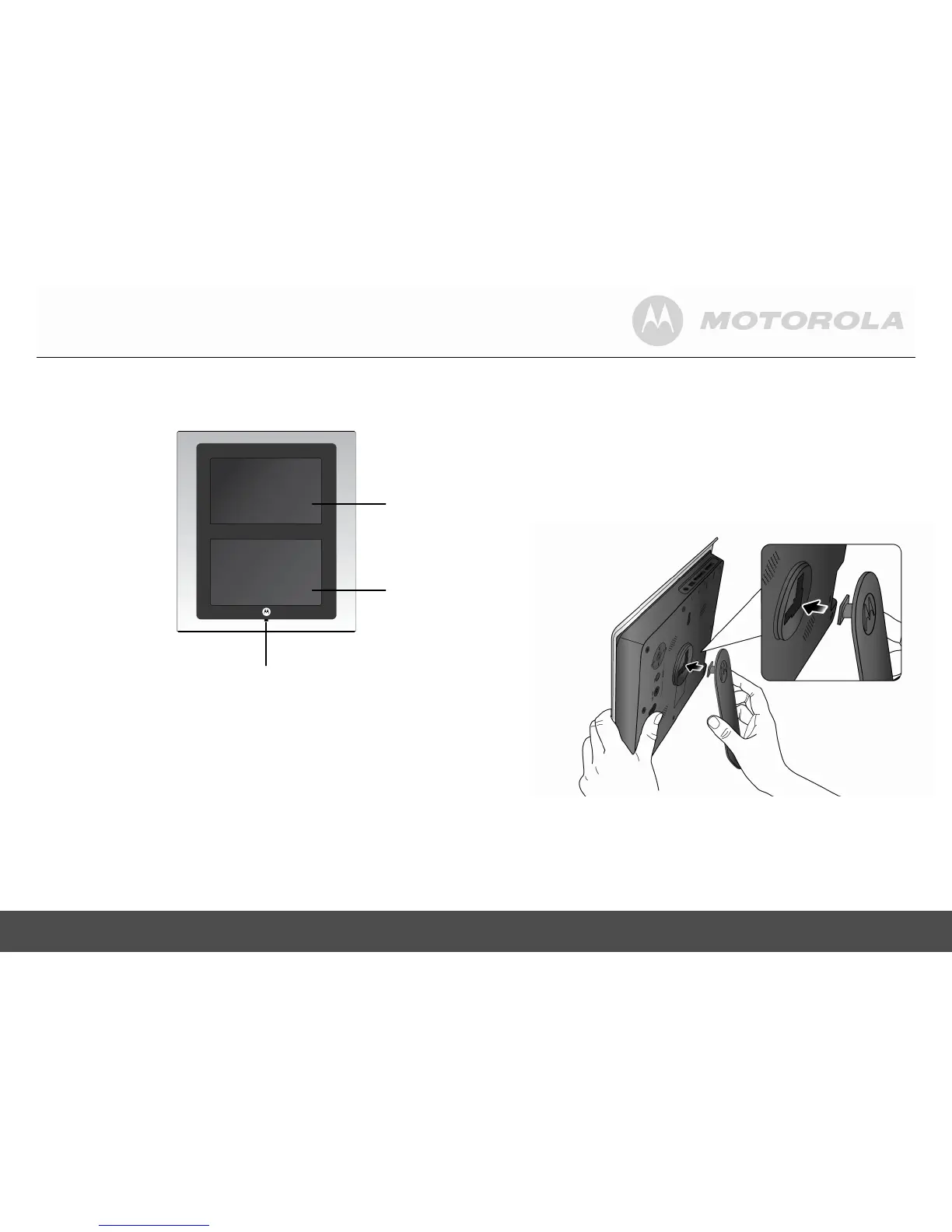
SCREEN 1
SCREEN 2
Remote control
sensor


 To Next Page