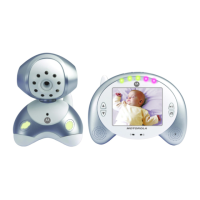
12 Using the Baby Monitor MBP35
2. To select another lullaby, press j during playback. There are 5
lullabies available for selection, indicated by
1
,
2
,
3
,
4
or
5
.
3. To play all lullabies, press
j until is displayed on the LCD
screen.
TIPS
During the first 10 seconds of lullaby playback, pressing
< or > will
adjust the lullaby volume of the baby unit.
Pressing
< or > after 10 seconds of lullaby playback will adjust the
volume of the parent unit.


 To Next Page
 Loading...