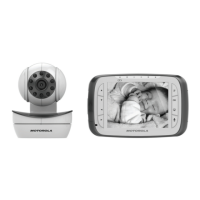
B. Connecting the power supply for the Parent Unit.
• Connect the micro USB plug of the power adapter to the parent unit and the other
end to a suitable mains power socket.
• Only use the enclosed adapter (5V DC/1000mA).
• A rechargeable battery (Lithium-ion battery 2000mAh) inside the Parent Unit allows
you to move it without losing the link and picture from the Baby Unit. The battery gives
up to 5 hours operation for the Parent Unit. We recommend you charge it for at least
16 hours before first use, or when the Parent Unit indicates the battery is low.
• Press and hold the POWER button
0 on the top of the Parent Unit to turn it ON.
NOTE
When the Baby and Parent Units are both turned on and within range, the Parent Unit
should show a colour image from the Baby Unit camera, but if the room is dark, the
image will be in black and white, with a icon showing, due to the infra-red
illumination by the Baby Unit.



 To Next Page
 Loading...