14 Using Your Digital Video Baby Monitor
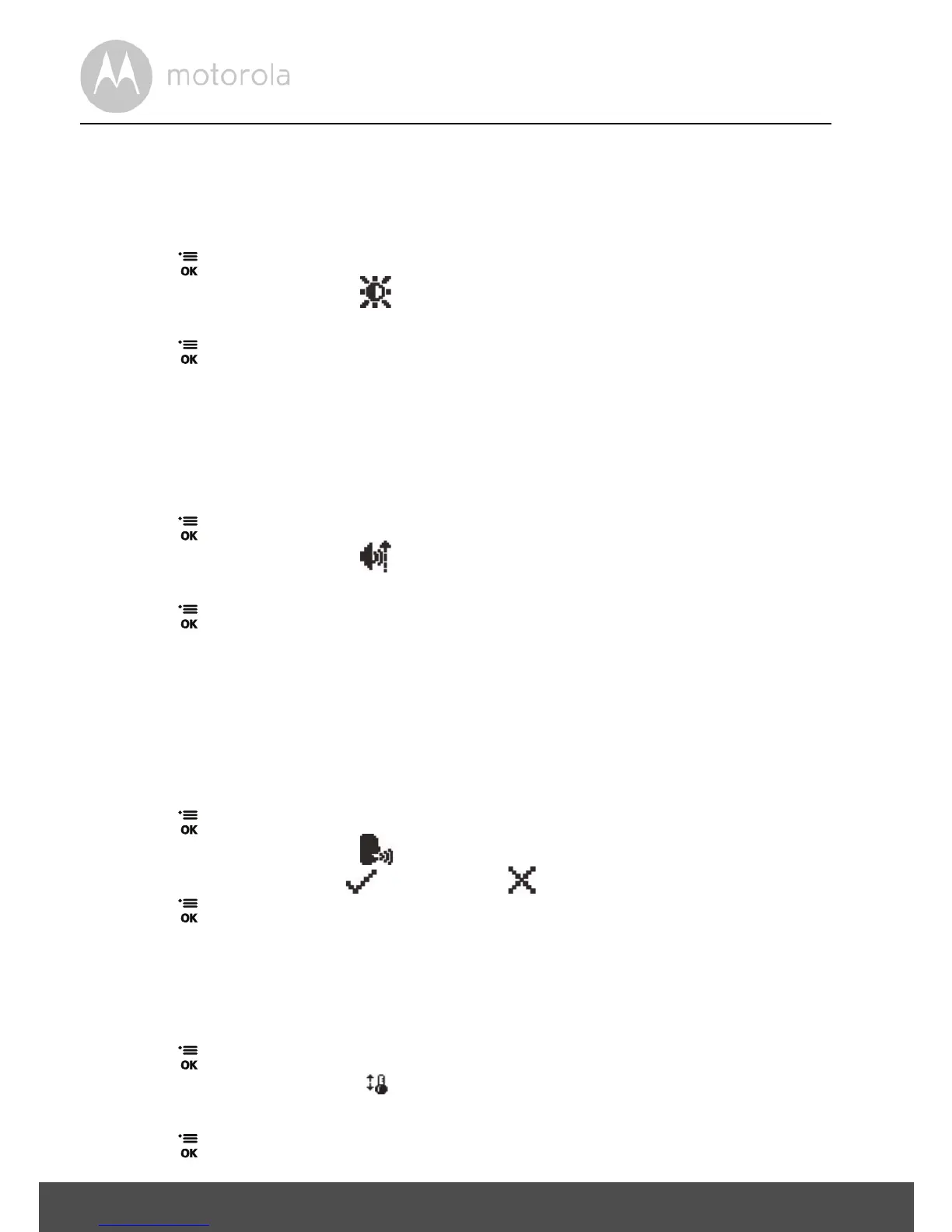
3.5 Adjust LCD brightness of the parent unit
You can adjust the brightness of the parent unit screen from Level 1 to Level 5.
The LCD brightness is preset to Level 3.
1. Press when the parent unit is not in use.
2. Press
- or + to scroll to .
3. Press
< or > to adjust brightness.
4. Press to confirm your selection.
3.6 Adjust sound sensitivity of the baby unit
You can set the sound sensitivity level (Level 1 to Level 5) of the baby unit(s) from
the parent unit. The higher the sound sensitivity level, the more sensitive the
baby unit is in detecting sounds and transmitting them to the parent unit.
1. Press when the parent unit is not in use.
2. Press
- or + to scroll to .
3. Press
< or > to adjust the sensitivity level.
4. Press to confirm your selection.
3.7 Turn sound activation on or off
When the parent unit screen is turned off manually, you can set the screen to
turn on automatically whenever sounds are detected from the baby unit(s). After
20 seconds, when no sounds are detected from the baby unit(s), the parent unit
screen will turn off automatically.
1. Press when the parent unit is not in use.
2. Press
- or + to scroll to .
3. Press
< or > to select to turn on, or to turn off sound activation.
4. Press to confirm your selection.
You will hear a beep when the screen turns on or off due to sound activation.
3.8 Set temperature unit
You can set the temperature unit of the baby unit.
1. Press when the parent unit is not in use.
2. Press
- or + to scroll to .
3. Press
< or > to select
o
C or
o
F.
4. Press
to confirm your selection.



 To Next Page