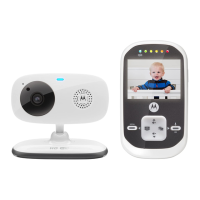
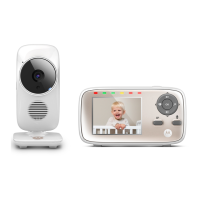
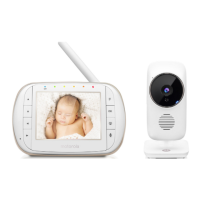
Parent Unit display icons
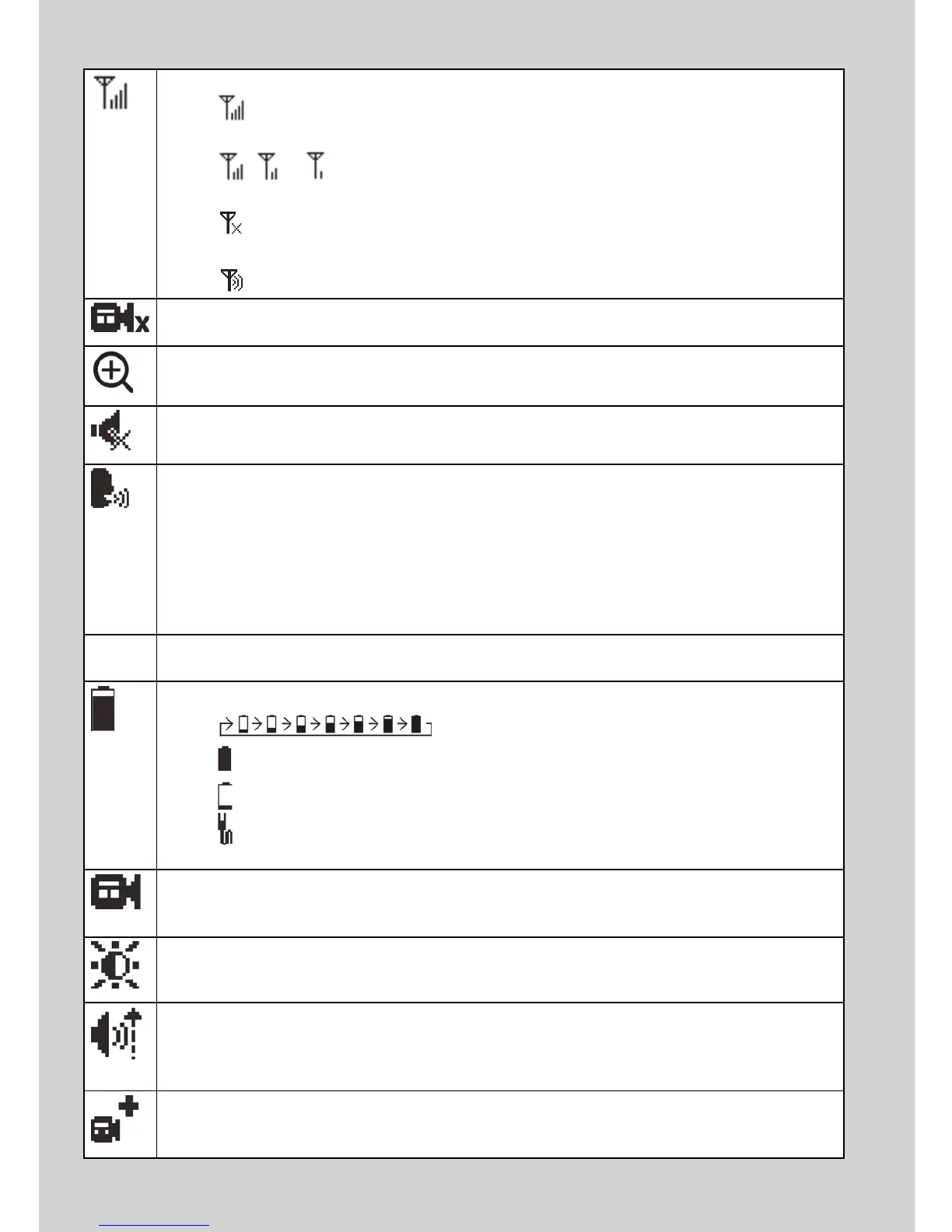
Connection status
- displays when strong signal strength is detected between the baby
unit and the parent unit.
- , or displays when moderate signal strength is detected
between the baby unit and the parent unit.
- displays when the link between the baby unit and the parent unit is
lost.
- displays when the parent unit is searching for a baby unit.
Current view status
- Displays the number of the baby unit that is being viewed.
Zoom
- Displays when the camera on the baby unit is zoomed in.
Volume off
- Displays when the volume is turned off.
Sound activation
- You can turn Sound activation function ON or OFF.
To check on your baby whenever there is sound in the baby’s room,
please turn it ON.
- Displays when sound activation is ON.
When the baby unit detects a sound in the baby's room, the video
image of the baby will be displayed on the parent unit.
61
o
F
Current temperature
- Displays the current room temperature of the selected baby unit.
Battery status
-
scrolls when the battery is charging.
-
displays when the battery is fully charged.
-
displays when the battery is low and needs charging.
-
displays when you do not have a battery installed but operates using
AC power, or the battery has been installed incorrectly.
Camera selection
- You can select the baby unit you want to view, or view all baby units in
Scan Mode.
Brightness
- You can change the brightness of the screen.
Sensitivity
- You can change the sound sensitivity level of the baby unit. The higher
the sound sensitivity level, the more sensitive the baby unit is in
detecting sounds and transmitting them to the parent unit.
Pairing
- The system comes with baby unit(s) already paired with the parent unit.
You can add or replace baby units.



 To Next Page