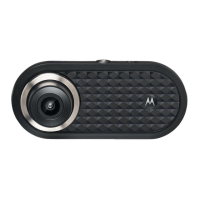
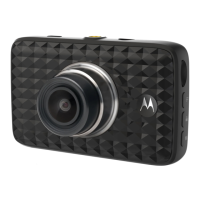
Need help?
Do you have a question about the Motorola MDC150 and is the answer not in the manual?
Guides the physical installation of the dashboard camera in the vehicle.
Details the initial setup and first operation of the dashboard camera.
Explains how the camera records video and saves incidents automatically.
Explains how to connect the device to a computer for video management.
Details the information displayed on the screen during video recording.
Explains how to view and manage recorded video files on the device.
Describes the camera's functionality for recording while the car is parked.
Covers how to protect important video files from being overwritten.
Provides access to the device's primary configuration options and navigation.
Allows configuration of video resolution, loop recording, G-sensor, and audio.
Offers options to delete or protect recorded video files.
 General
| Brand | Motorola |
|---|---|
| Model | MDC150 |
| Category | Dash Cameras |
| Language | English |

 To Next Page