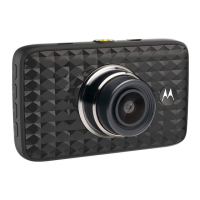
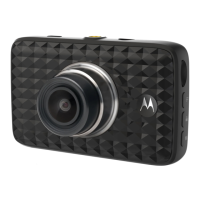
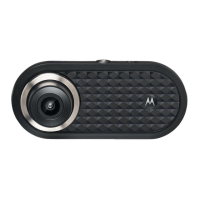
Need help?
Do you have a question about the Motorola MDC500GW and is the answer not in the manual?
Instructions for mounting the device, organizing the power cord, and ensuring clear visibility.
Guidance on inserting and formatting the SD card, and initial power-up procedures.
How to access, navigate, and confirm settings using the device's menu buttons.
Procedure for switching between Video and Playback modes to manage recorded footage.
Instructions for connecting the device to a computer to view and manage videos.
Details on system requirements for smartphones and the Hubble Dashcam App.
Specifies the minimum Android and iOS versions required for the Hubble Dashcam App.
Guidance on finding and downloading the Hubble Dashcam App from app stores.
 General
| Video Resolution | 1080p Full HD |
|---|---|
| Viewing Angle | 140° |
| GPS | Yes |
| Wi-Fi | Yes |
| G-Sensor | Yes |
| Loop Recording | Yes |
| Night Vision | Yes |
| Storage | MicroSD card (up to 32GB) |
| Power Source | 12V car adapter |

 To Next Page