EasyManua.ls Logo

Motorola MILESTONE 2 - Your Phone

Motorola MILESTONE 2
74 pages
Print Icon
To Next Page IconTo Next Page
To Previous Page IconTo Previous Page
Loading...
2 Congratulations
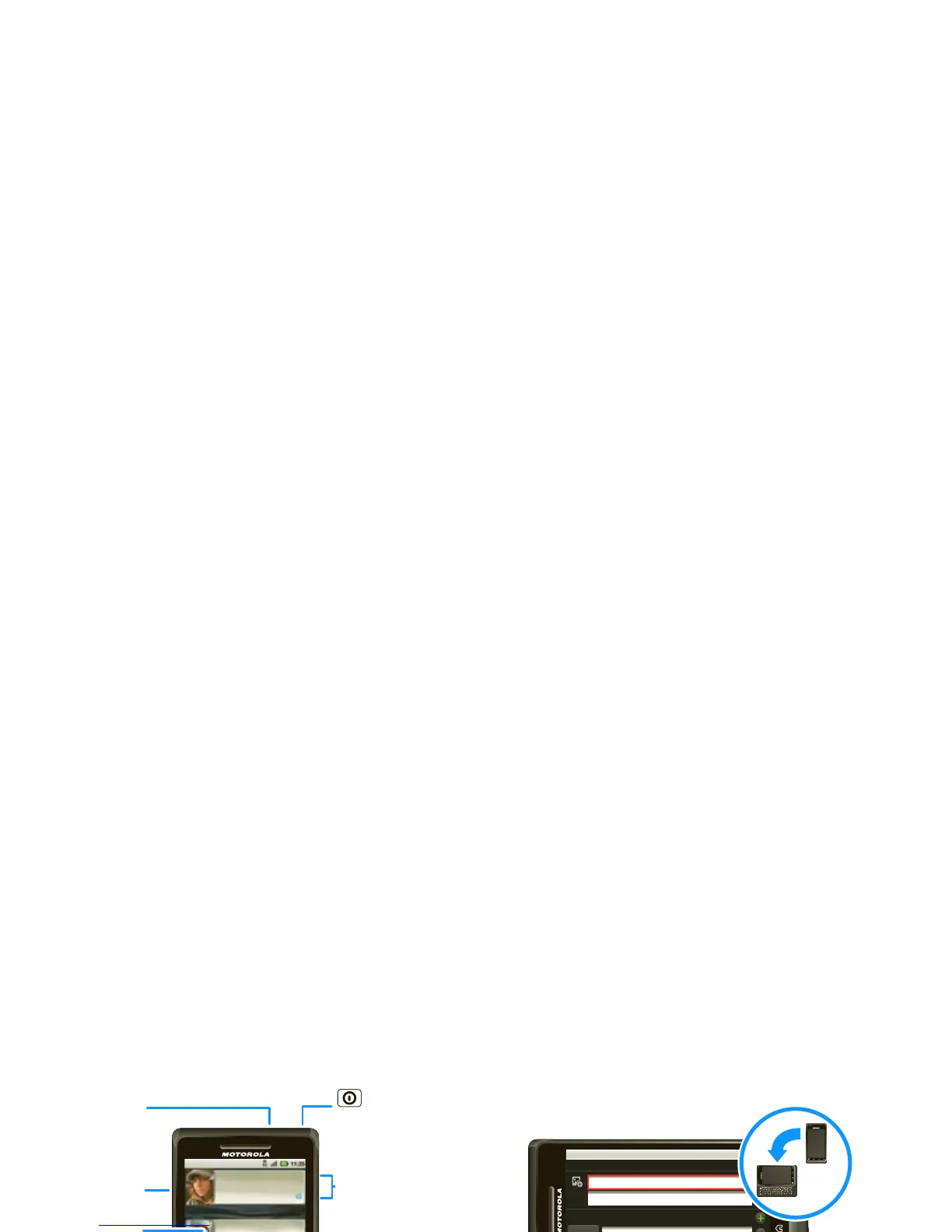
Your phone
the important keys & connectors
Work week done! Dance floor
here I come!
9:22 PM
Luiz Navarro
I have 1 extra ticket for the...
3 minutes ago
See all your apps.
Touch the Launcher icon.
1 of 6
Messaging
Browser
Press = sleep.
Hold = turn off.
3.5mm
Headset
Jack
Back Key
Menu Key
Microphone
Home Key
To uchscreen
Power/
Lock Key
Volume
Zoom Keys
Touch to open
menu options.
Camera
Key
Touch for text
search or hold
for voice search.
Search Key
Micro USB
Connector
/
Given name
Family name
Phone
Phone
Mobile
segnahc dracsiDevaS
.
LOCK
Scroll &
Select
Enter
Space
@ Symbol
Alternate
Shift
Delete
Search
Alt Lock
When you open or turn your phone, the
screen adjusts for you.
Voice Recognition

Other manuals for Motorola MILESTONE 2

Related product manuals