2
1. At a glance
2. Connect
1. Plug the DC plug of the power adapter into the power socket on the rear
of the camera unit and plug the other end of the AC adapter into the wall
socket.
2. The camera unit turns on and the power indicator lights up in blue first and
changes to red flashing if not paired to the Motorola Nursery App.
WARNING
Strangulation Hazard. Children have STRANGLED in cords. Keep this cord out
of the reach of children (more than 1 meter or 3 feet away). Do not remove the
tags from the AC Adapters. Only use the AC Adapters provided.
Note
Use only the supplied power adapter (DC5V / 1000 mA).
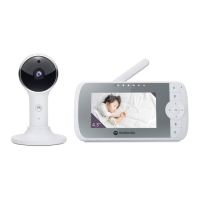
1. Camera
2. Desk stand
3. Speaker
4. Antenna
5. Power jack
1
2
3
5
4
6
7
6. Power indicator
Lights up in blue when powered on.
7. Pair button
(For information on how to connect the
camera unit to your device, see section 4.)
PIP1010 CONNECT_QSG_EN_AE_v1.indd 2PIP1010 CONNECT_QSG_EN_AE_v1.indd 2 2023/10/23 14:162023/10/23 14:16



 To Next Page
 Loading...