12
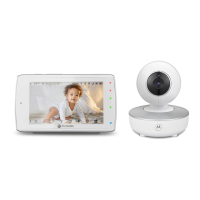
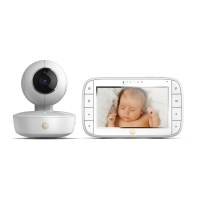
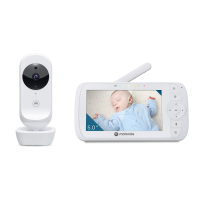
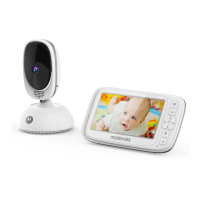
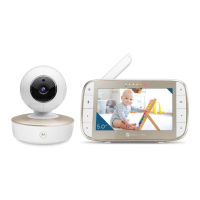
Overview of your parent unit
Front view Back view
1. Microphone
2. Power button
Press and hold to turn the parent unit on or o.
3. Volume down
Press to decrease the volume level.
4. Volume up
Press to increase the volume level.
5. Touch screen display
6. Sound Level LEDs (green, amber, red)
7. Charging LED
It becomes red when connected to the wall socket.
8. Speaker
9. Power socket
10. Reset key (recessed - use small pin)
11. Ring stand
12. Antenna
13. Flashlight
Getting to know your baby monitor



 To Next Page
 Loading...