
 Need help?
Do you have a question about the Motorola XVE500 IMPRES and is the answer not in the manual?
Details on copyrights, trademarks, license rights, and open source content.
Information on waste disposal regulations for electronic equipment.
Standard legal text regarding product applicability and system dependency.
Steps to find general support contact information on the Motorola Solutions website.
How to report errors or provide comments on user documentation.
Details about the Push-to-Talk (PTT) and programmable buttons on the RSM.
Identification and description of the speaker, microphone, and channel knob.
Instructions on how to increase and decrease the volume using the RSM.
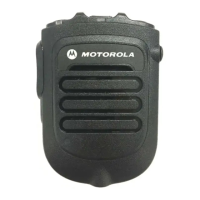
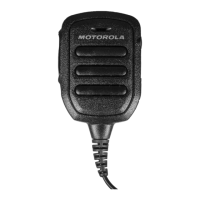
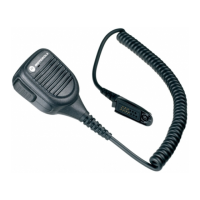
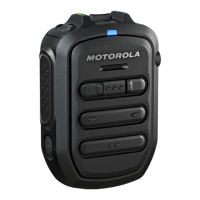
Information on different Remote Speaker Microphone (RSM) models and their part numbers.
Explanation of the meaning of various LED light states and patterns.
Details on the emergency button and strobe light functions and indicators.
Listing of part numbers for replacement cables, clips, and knobs.
Demonstrates the correct way to hold the Remote Speaker Microphone.
Guidelines for optimal usage of the Remote Speaker Microphone.
Visual examples of recommended positioning for the RSM.
Proper techniques for handling the Remote Speaker Microphone.
Tips for clear and effective voice transmission with the RSM.
Specifies the required radio firmware versions for RSM compatibility.
 General
| Brand | Motorola |
|---|---|
| Model | XVE500 IMPRES |
| Category | Microphone |
| Language | English |



 To Next Page